Trusted by teams at


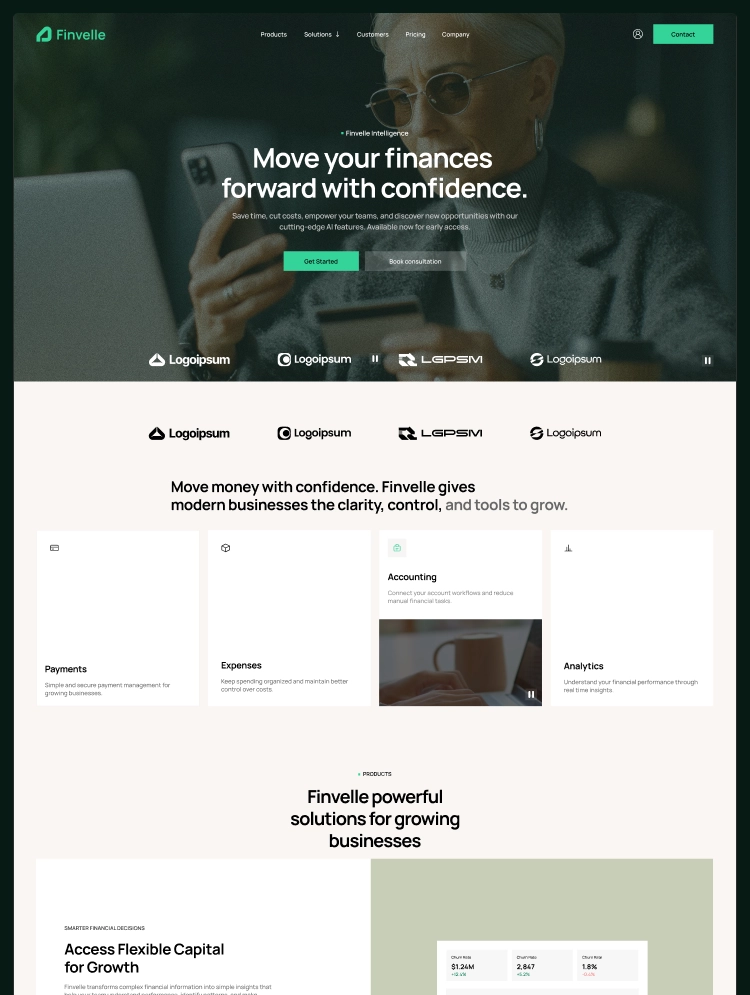
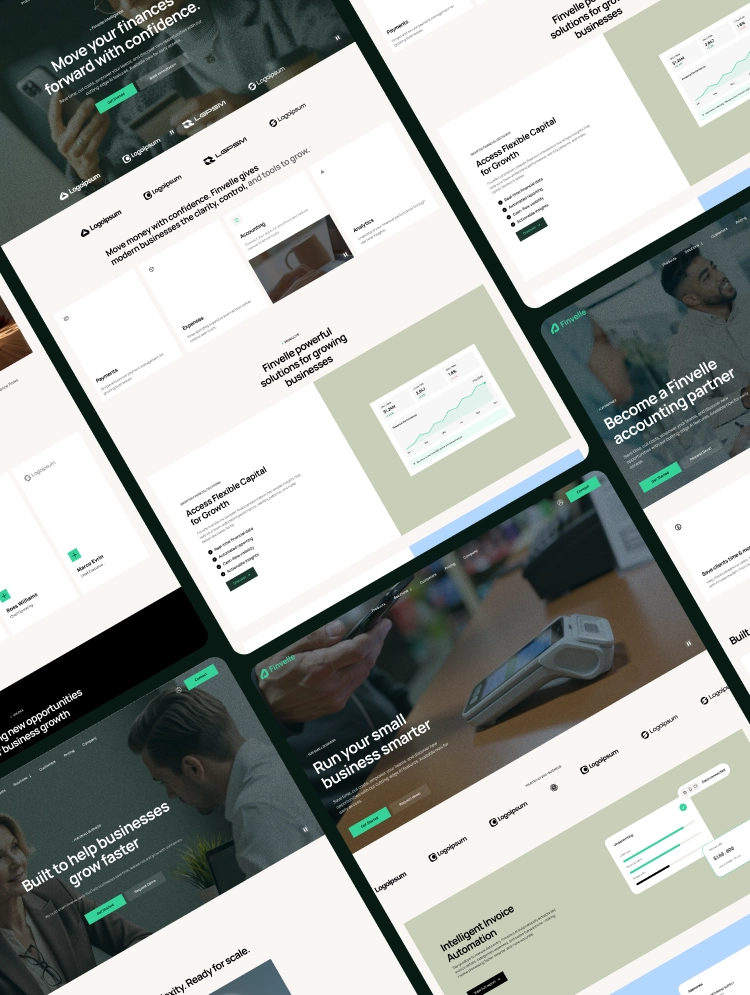
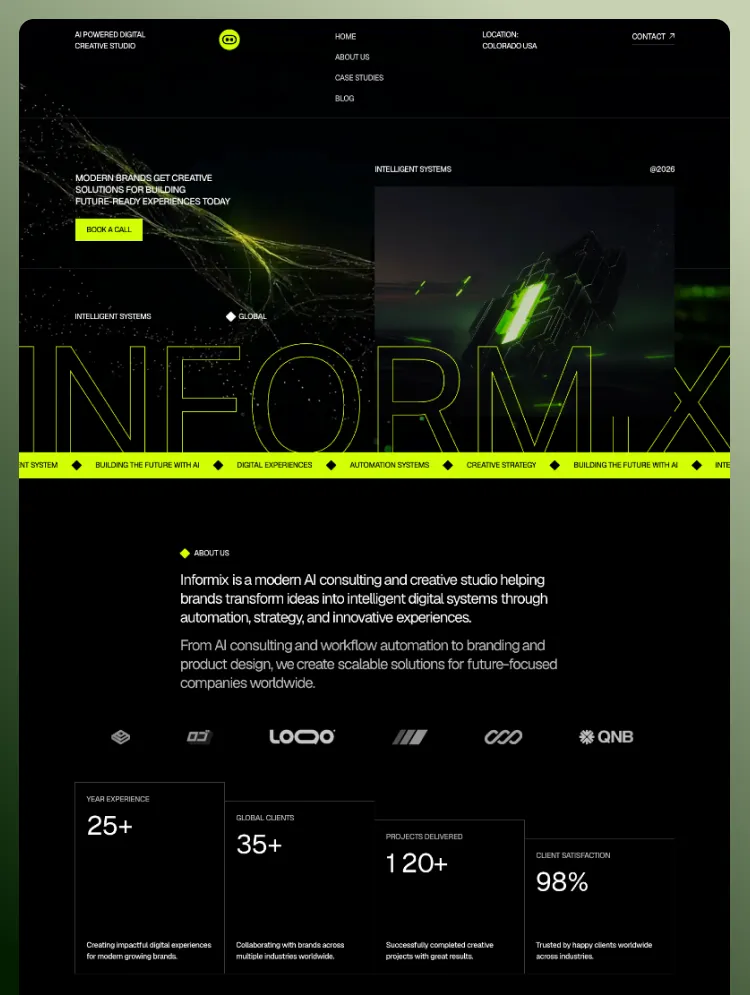
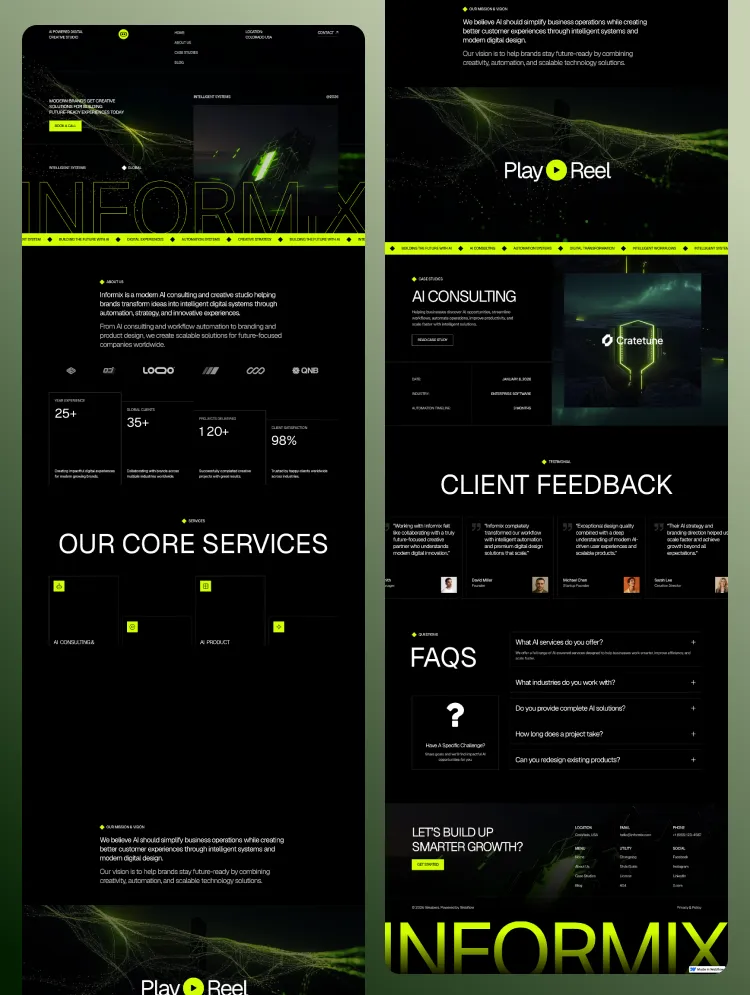
Clario is a Webflow template for SaaS, fintech, and AI startups. Launch with three homepage layouts, CMS blogs and careers, animated dashboard visuals, and flexible pricing pages that help visitors understand your product and take the next step.
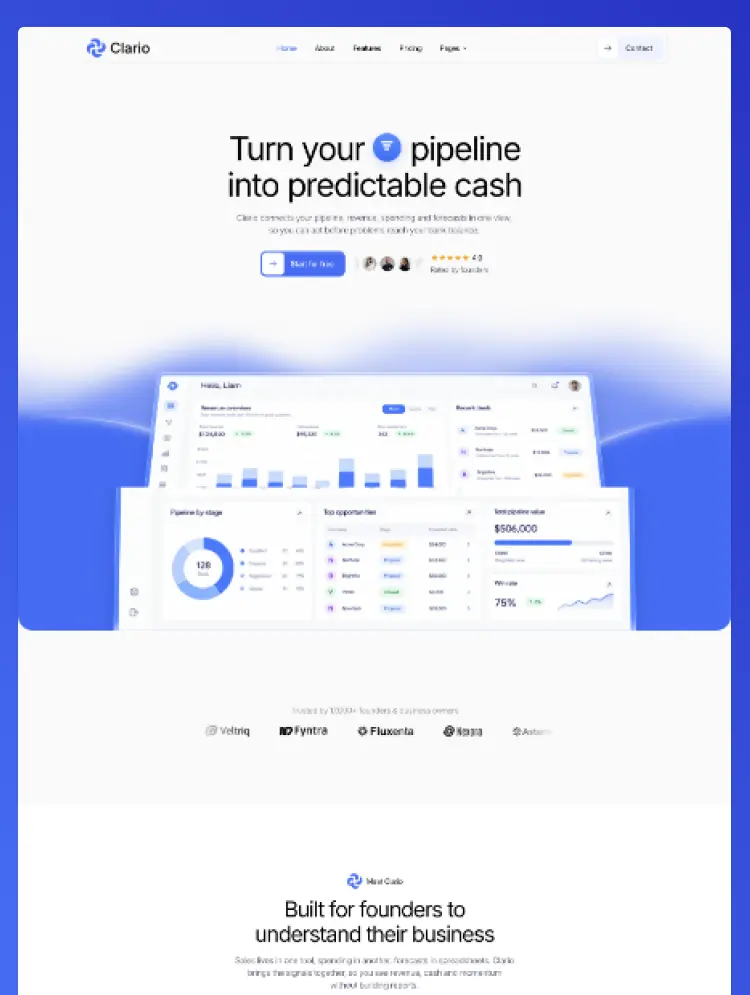
Clario is a Webflow template for SaaS companies, fintech products, AI tools, and business software. It brings product showcases, pricing, and company content into one consistent website, helping visitors understand your software, explore its benefits, and move toward a demo or signup.
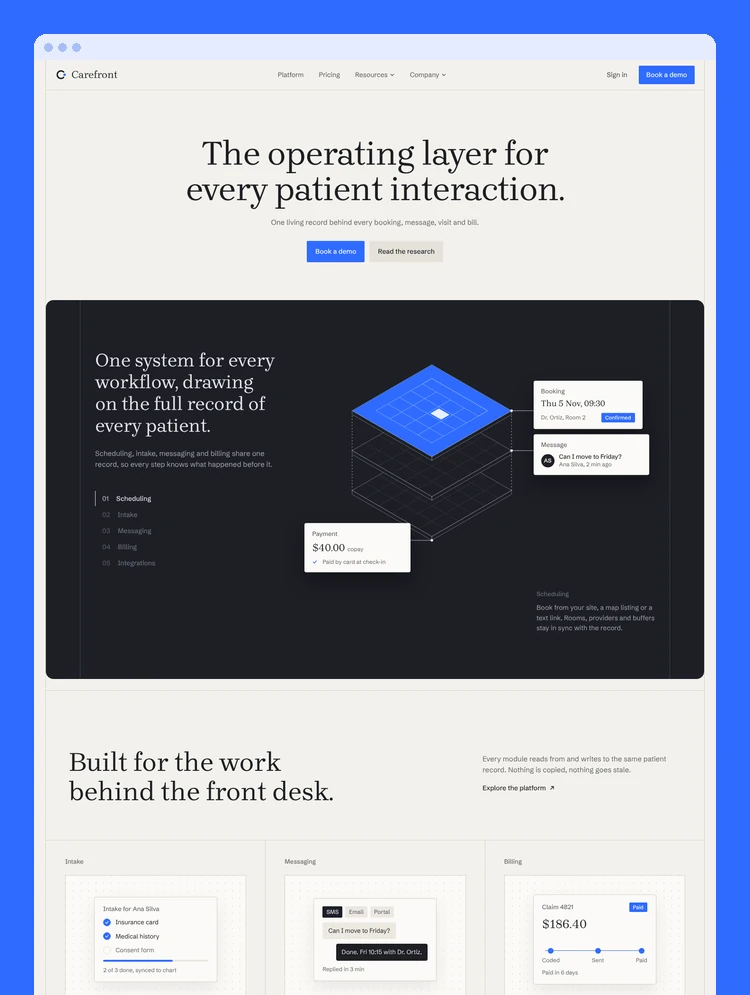
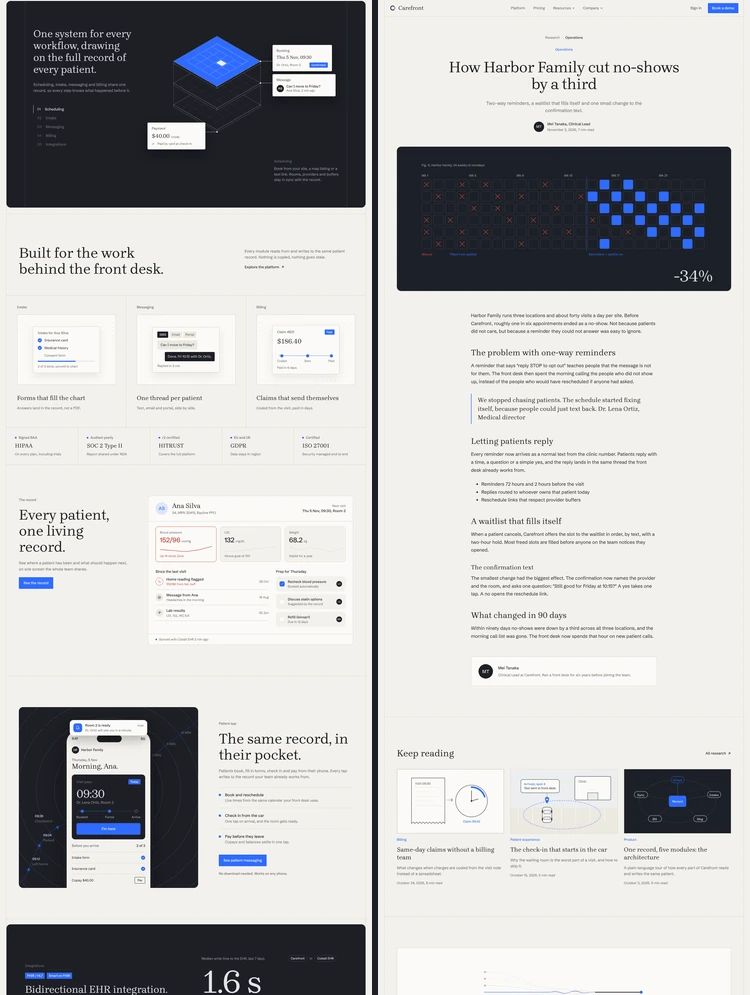
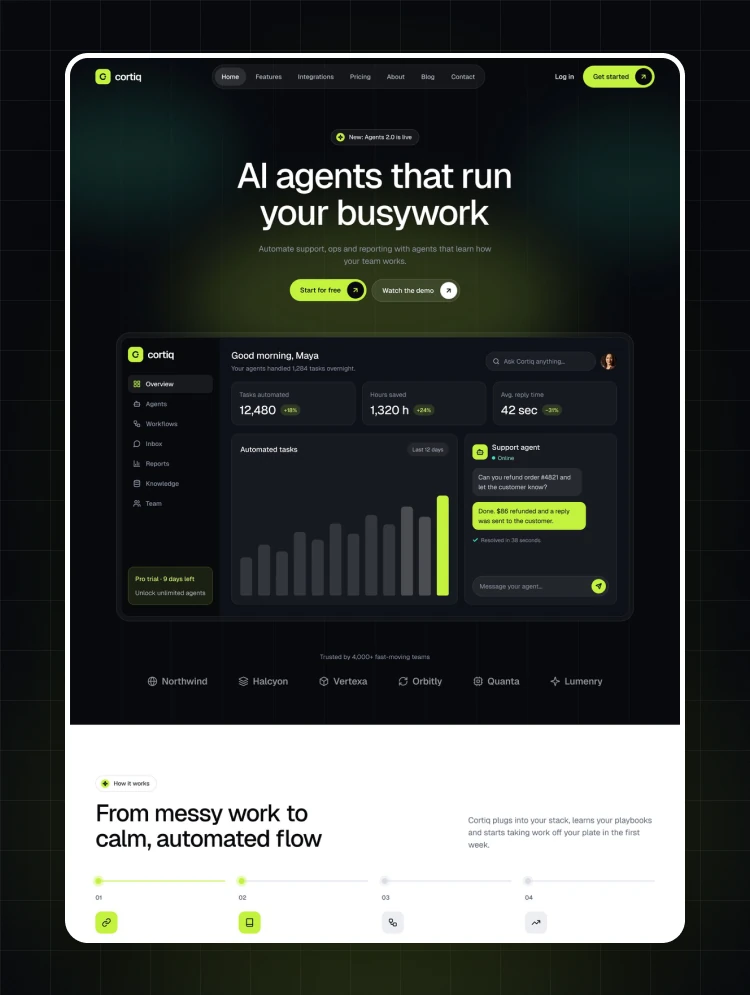
The design combines spacious layouts, bold typography, soft blue gradients, and detailed dashboard graphics. Animated charts, interface cards, and product previews give you a visual way to explain complex features, from revenue analytics and financial reporting to sales workflows and automation.
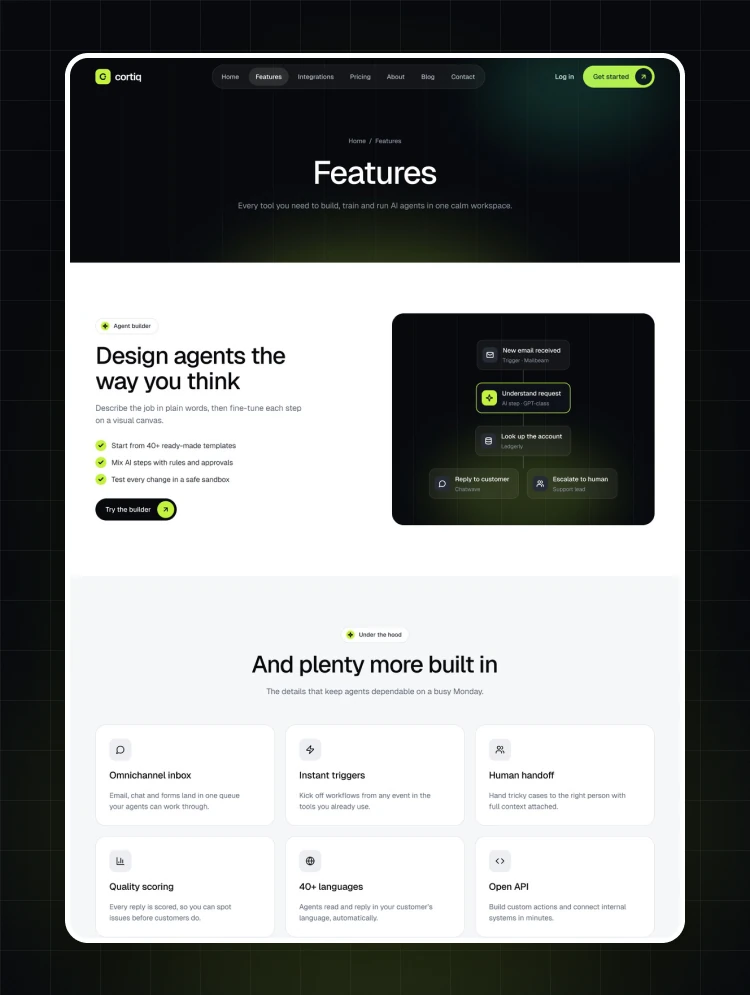
Choose from three homepage layouts and multiple inner-page variations to build a website that fits your product. Feature grids and integration showcase sections help explain your capabilities, while testimonials, FAQs, and calls to action support the customer journey.
Two pricing layouts include monthly and yearly options, giving you different ways to present a single subscription or several product plans.
Clario includes CMS collections for blog posts, job listings, and team members. Publish articles, introduce your team, and share open positions without rebuilding page layouts each time your content changes.
Customize colors, typography, images, and content in Webflow to match your brand. An included style guide and setup instructions cover the design system, CMS content, and animations, giving you a clear starting point for customization.
An editable Figma file is also available after purchase. Email info@weabers.com with your purchase receipt to request it.
Can only be used by you or one client for one end product. You cannot resell or redistribute this template in its original or modified state.
This template is free to use in both person and commercial projects. You cannot resell, redistribute, or license this template in its original or modified state.
Questions about this template? Just reach out to the template designer and they will get back to you within 2 business days.
For advanced design guidance, please share your questions in the Webflow Forum or reach out to a Webflow Partner.
Share your feedback by leaving a comment below.
For template support, please check the Support tab.

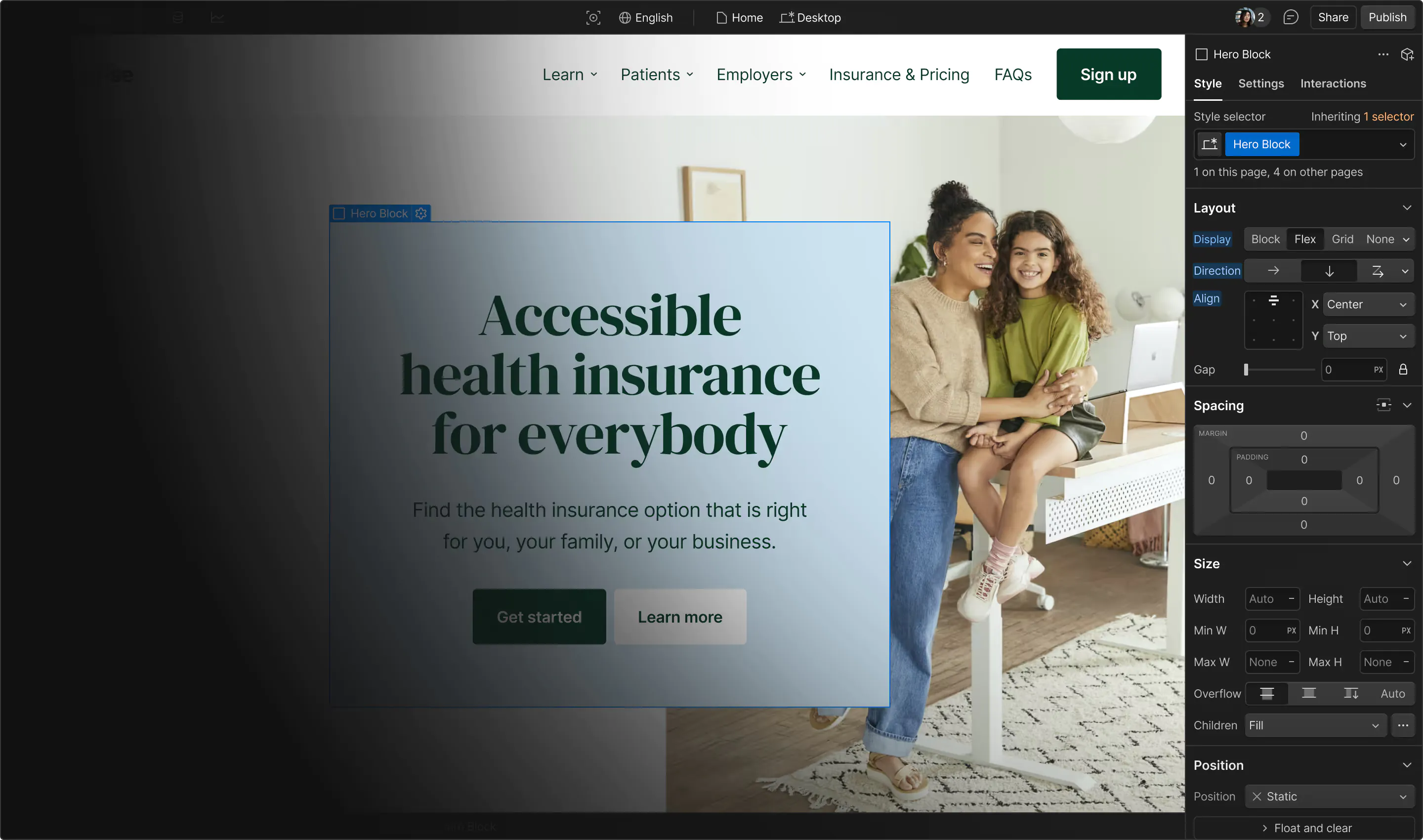
Use the Preview in Designer option to make any edits to the template pages and preview how the layout would fit your content. Changes in preview mode won't be saved.
It isn't possible to apply a template to an already existing project. Instead, you'll need to create a new project based on the Template.
With a Core plan (or higher), you can export sites you build in Webflow, including templates, to host them anywhere you'd like.
Webflow templates are only available for purchase through Workspaces and legacy individual accounts.
CMS templates are designed to use the power of the Webflow CMS. It is possible to downgrade to a Basic Site Plan as long as all CMS content is deleted from the project.
Use the View Connections tool to understand where the CMS content is on the site and delete any dynamic listings and CMS content. We also recommend you to check Components and the Collection page Templates.
Ecommerce templates are designed to use the power of Webflow Ecommerce. It is not possible to remove Ecommerce from a template, however, deleting all Ecommerce Products and Categories from the project, will allow to select a lower Site Plan.
Membership templates are designed to use the power of Webflow Membership. It is not possible to remove Memberships from a template.


Comes with GSAP animations and interactions for additional polish and usability.