Trusted by teams at


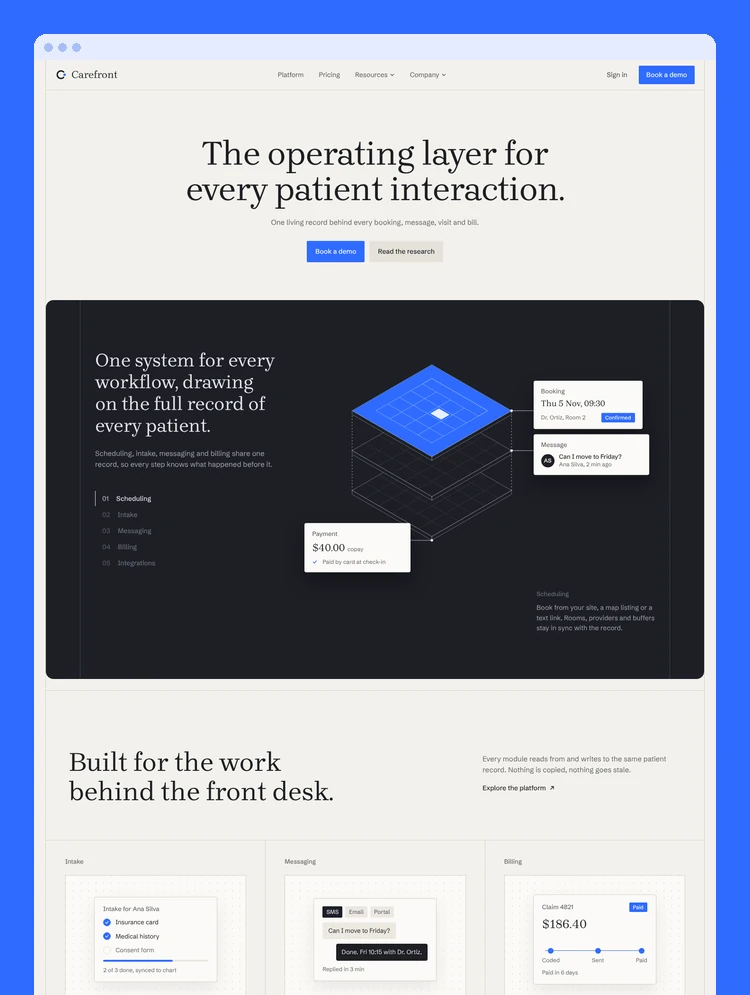
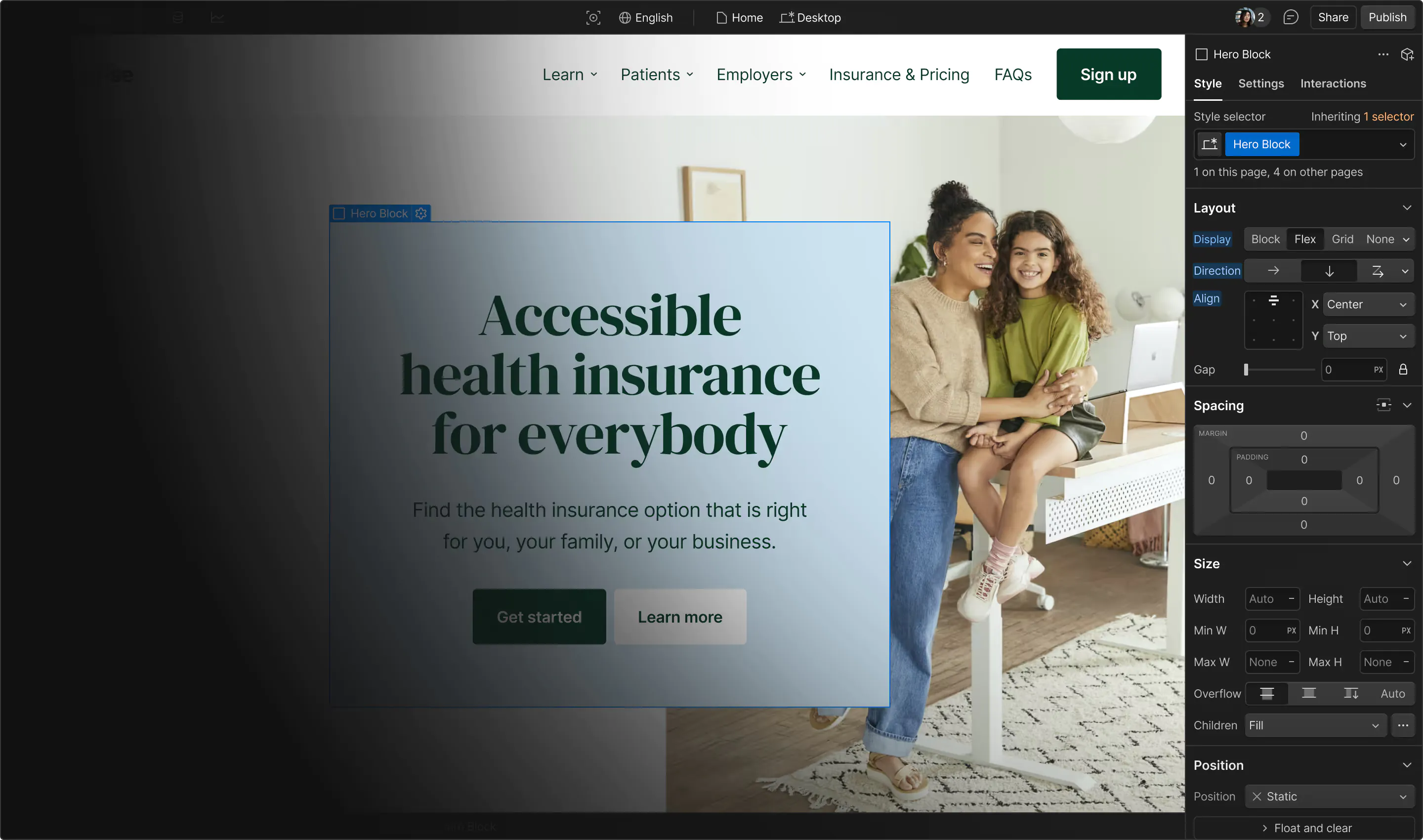
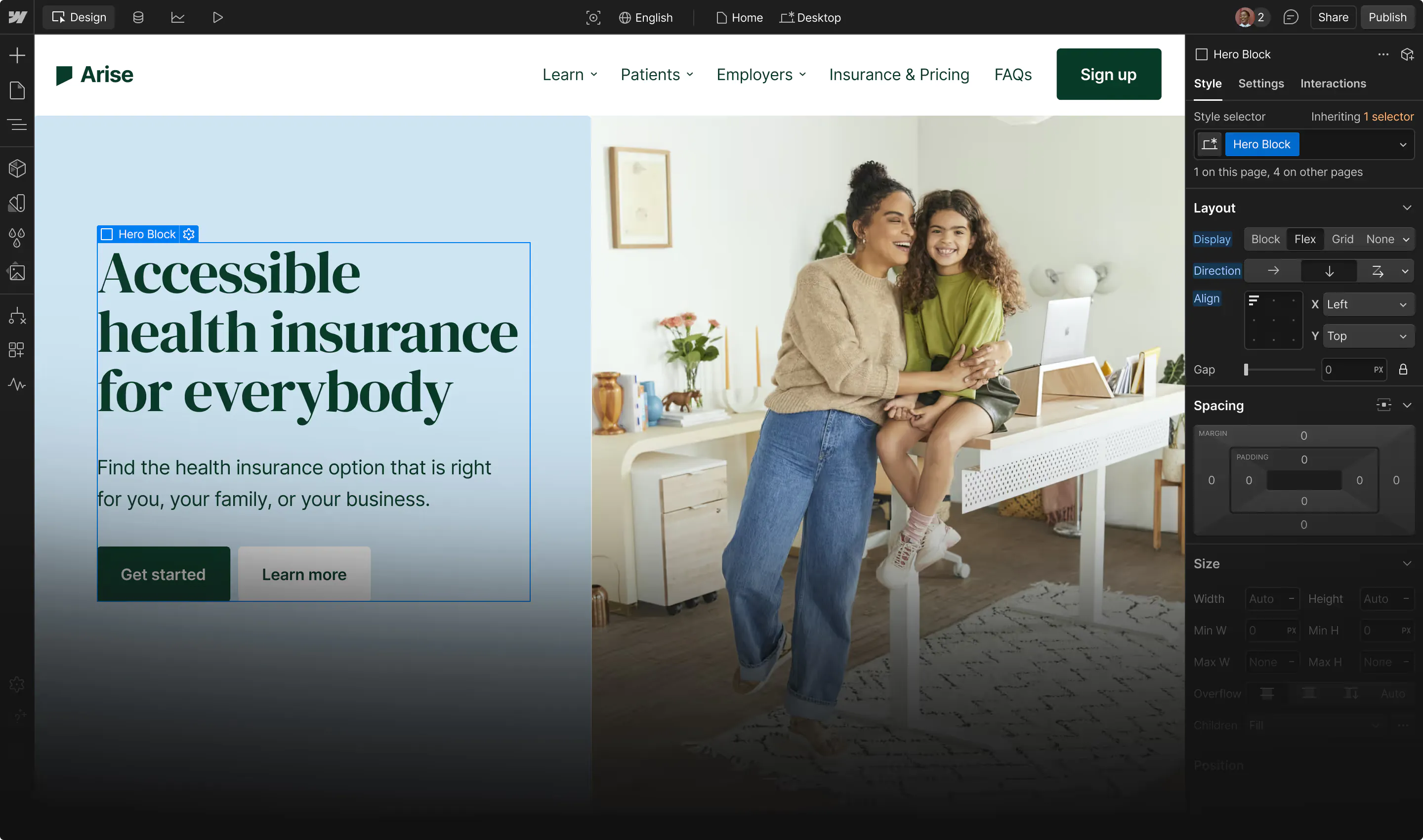
Carefront is a multi-page template for healthcare SaaS, clinic software and health tech startups. Calm editorial design, a CMS research blog, pricing, onboarding and sign-in flows, all built natively in Webflow.
A calm, editorial template for health tech
Carefront is built for healthcare SaaS, clinic software, patient platforms and health tech startups that want to look trustworthy without looking clinical. Serif headlines, warm paper tones and hand-built product illustrations give it a quiet, confident feel.
What is inside
Home with an interactive five-module product overview
Platform, Pricing (monthly and annual toggle), About and Contact pages
Research blog powered by the CMS, with featured post, post template and related posts
Changelog, Privacy, Terms, Licenses and Style Guide
Sign Up, Sign In and a five-step onboarding flow
Custom 404 and password pages
Instructions page explaining how to customize everything
Built the Webflow way
Everything is native Webflow, no custom code needed
Interactions built with Webflow Interactions (GSAP)
Global color, type and spacing variables, with Blue, Forest and Plum modes to recolor the whole site
Clean, readable class names and reusable Nav, Footer and Call To Action components
Fully responsive on every breakpoint
Can only be used by you or one client for one end product. You cannot resell or redistribute this template in its original or modified state.
This template is free to use in both person and commercial projects. You cannot resell, redistribute, or license this template in its original or modified state.
Questions about this template? Just reach out to the template designer and they will get back to you within 2 business days.
For advanced design guidance, please share your questions in the Webflow Forum or reach out to a Webflow Partner.
Share your feedback by leaving a comment below.
For template support, please check the Support tab.

Use the Preview in Designer option to make any edits to the template pages and preview how the layout would fit your content. Changes in preview mode won't be saved.
It isn't possible to apply a template to an already existing project. Instead, you'll need to create a new project based on the Template.
With a Core plan (or higher), you can export sites you build in Webflow, including templates, to host them anywhere you'd like.
Webflow templates are only available for purchase through Workspaces and legacy individual accounts.
CMS templates are designed to use the power of the Webflow CMS. It is possible to downgrade to a Basic Site Plan as long as all CMS content is deleted from the project.
Use the View Connections tool to understand where the CMS content is on the site and delete any dynamic listings and CMS content. We also recommend you to check Components and the Collection page Templates.
Ecommerce templates are designed to use the power of Webflow Ecommerce. It is not possible to remove Ecommerce from a template, however, deleting all Ecommerce Products and Categories from the project, will allow to select a lower Site Plan.
Membership templates are designed to use the power of Webflow Membership. It is not possible to remove Memberships from a template.