Trusted by teams at






Canopy - Gardening, Lawn, and Landscaping Webflow Template
🌿Canopy Gardening, Lawn, and Landscaping Webflow Template
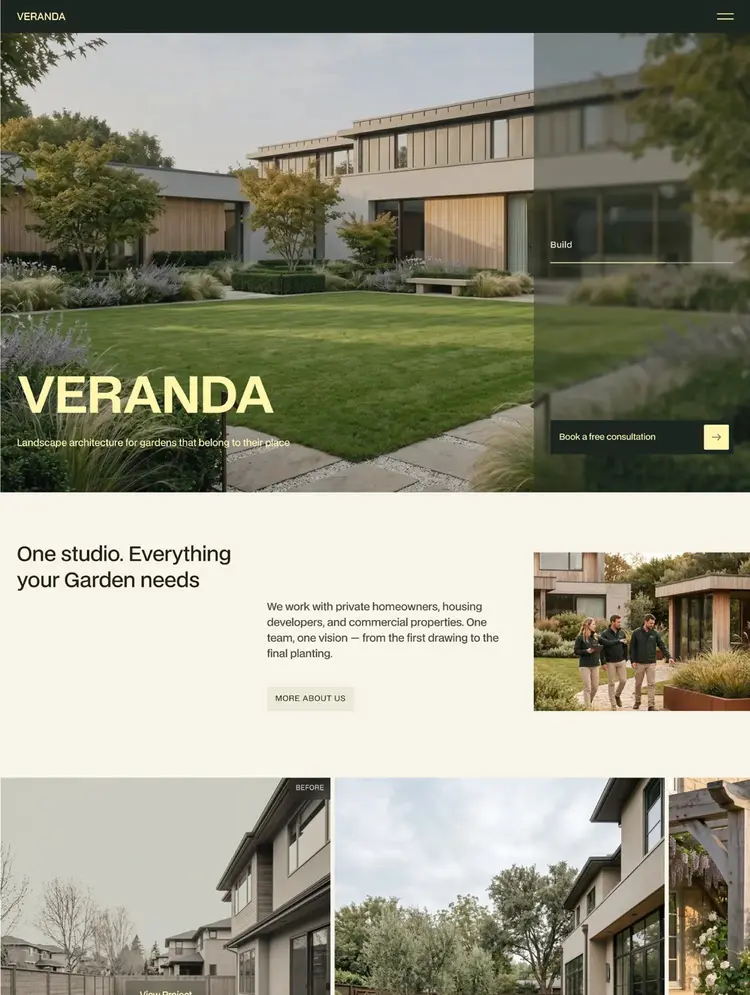
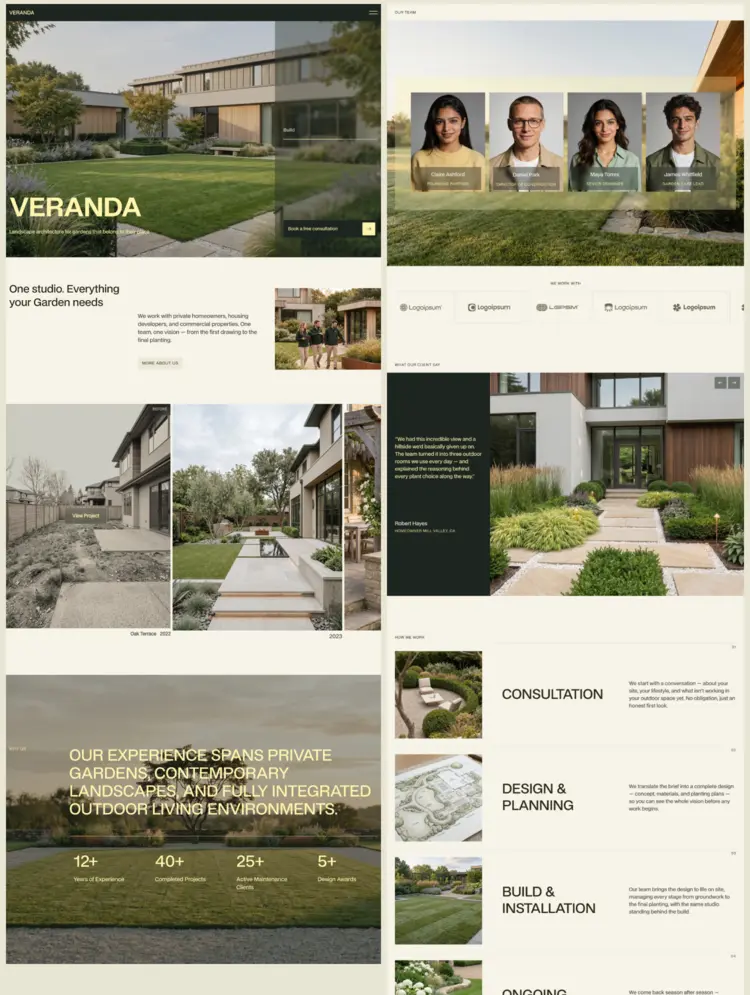
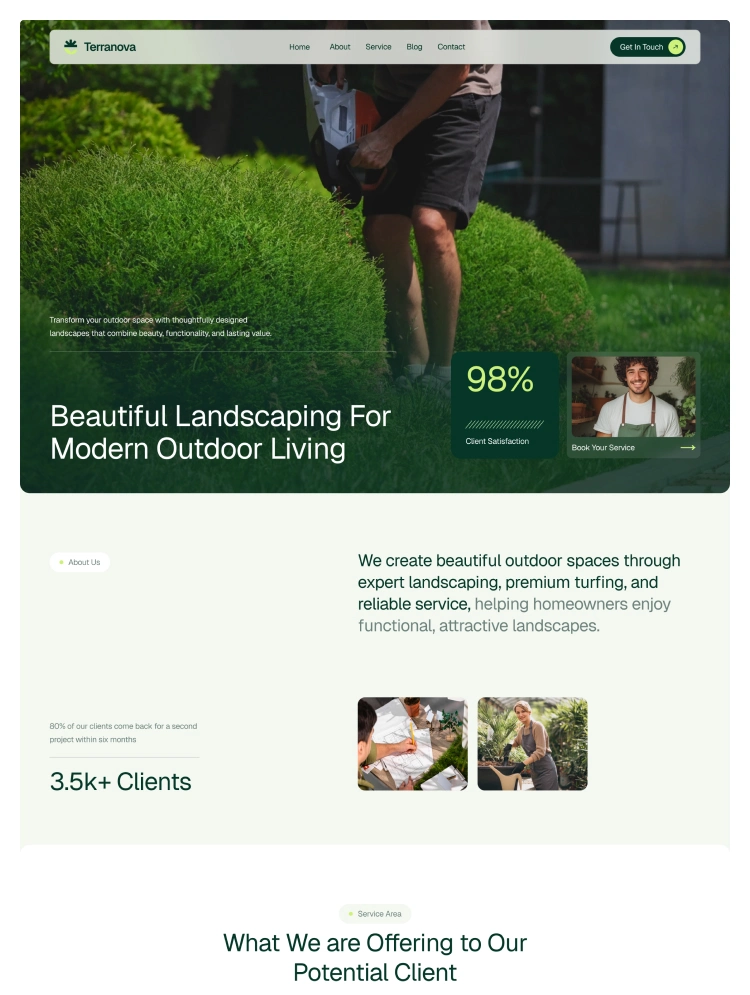
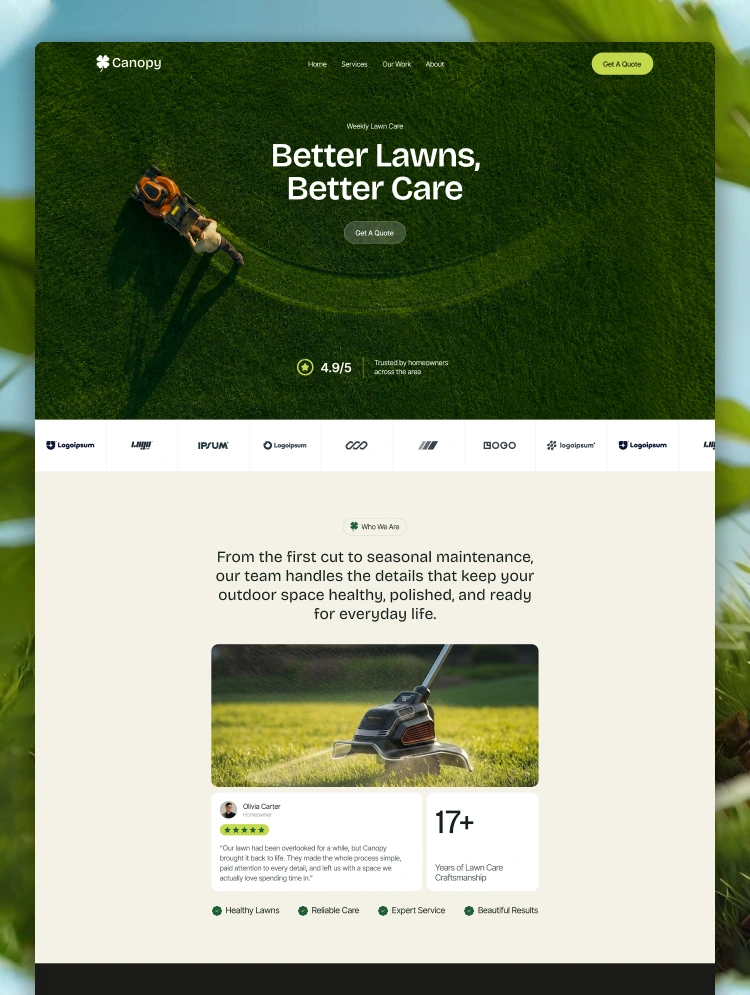
Canopy Webflow Template is thoughtfully designed for lawn care companies, landscaping businesses, gardening services, and outdoor maintenance professionals. Whether you're promoting weekly mowing plans, seasonal lawn treatments, or full landscape design services, Canopy provides a clean, professional, and nature-inspired design that helps your business grow online.
Built with flexibility and performance in mind, this template allows you to showcase your services, highlight real client results, and connect with homeowners looking for reliable lawn care effortlessly.
🌱 Perfect for Lawn Care & Landscaping Businesses
🌾 Lawn care companies
🌳 Landscaping businesses
🍃 Gardening & lawn maintenance services
🏡 Outdoor design studios
🧑🌾 Property maintenance companies
🌼 Turf & lawn treatment providers
🛠️ Local service contractors
🌍 Eco-friendly yard care startups
🍀 Clean & Nature-Inspired Design
🌿 Green and earthy color palette
🌞 Clean typography and spacing
📖 Engaging layouts for storytelling
📸 High-quality imagery sections
⚡ Powerful Features for Modern Lawn Care Businesses
⚙️ Fully responsive design across all devices
🚀 Fast loading and optimized performance
🧩 Easy customization with Webflow visual editor
🔍 SEO-friendly structure for better visibility
📱 Mobile-first approach
🔗 Smooth navigation and user experience
🌾 Feature Highlights
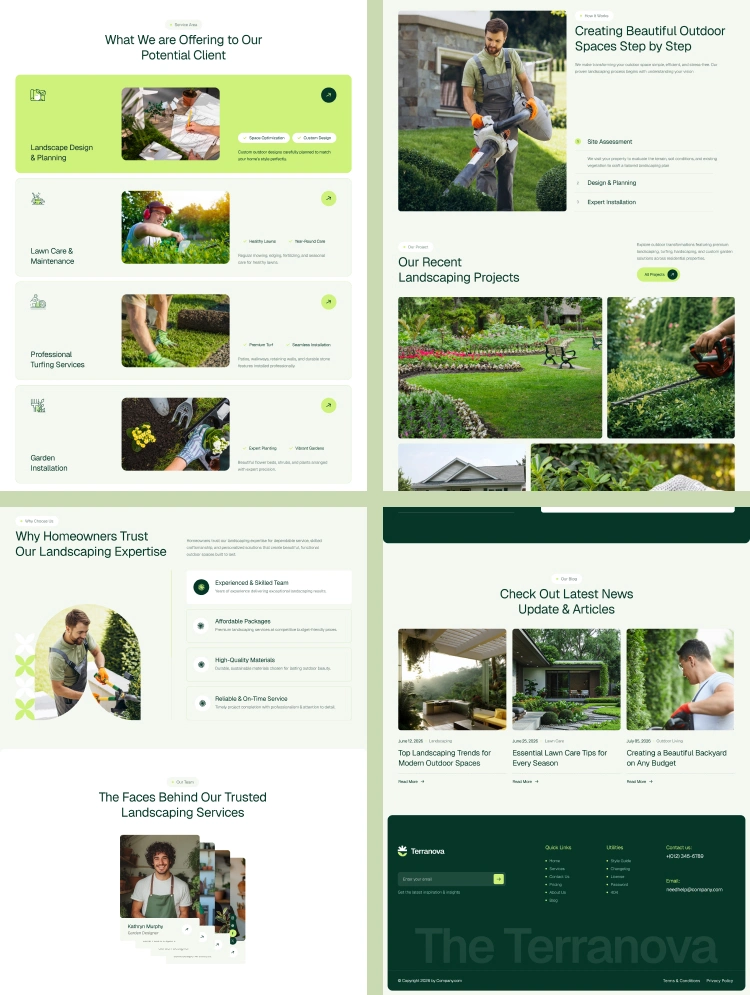
🌱 Service-Focused Layouts
Specially crafted pages to present lawn mowing, treatment, and seasonal care services effectively.
🛠️ Project & Work Showcase Sections
Display real before-and-after results and completed projects with visually appealing layouts that attract customers.
⭐ Client Testimonial Sections
Build trust with structured review blocks that highlight ratings and client stories.
📞 Lead Generation Ready
Strategically designed sections to capture quote requests and connect with potential clients.
📄 Pages Included
🏠 Home
📄 Blog
📞 Contact
🔐 Utility Pages (404, Style Guide, Licensing, Changelog, Instructions)
🌍 SEO Optimized for Lawn Care & Landscaping Businesses
Canopy is built with SEO best practices to help your website rank better in search engines. The template structure ensures:
🔍 Proper heading hierarchy
⚡ Fast page speed
📱 Mobile optimization
🧾 Clean and semantic code
🌐 Easy integration with SEO tools
This makes it easier for your lawn care or landscaping business to reach a wider local audience and grow online visibility.
🌿 Why Choose Canopy?
🌱 Designed specifically for lawn care & landscaping niches
🚜 Perfect blend of design and functionality
🌍 Supports authentic, results-driven storytelling
⚡ Easy to edit without coding knowledge
📈 Helps grow your local online presence effectively
🤝 Dedicated Support
We are committed to helping you get the most out of your template. If you face any issues or need assistance, our support team is always ready to help.
Have a question? For any support or inquiries, please contact us at nextvence@softvence.com
Can only be used by you or one client for one end product. You cannot resell or redistribute this template in its original or modified state.
This template is free to use in both person and commercial projects. You cannot resell, redistribute, or license this template in its original or modified state.
Questions about this template? Just reach out to the template designer and they will get back to you within 2 business days.
For advanced design guidance, please share your questions in the Webflow Forum or reach out to a Webflow Partner.
Share your feedback by leaving a comment below.
For template support, please check the Support tab.

Use the Preview in Designer option to make any edits to the template pages and preview how the layout would fit your content. Changes in preview mode won't be saved.
It isn't possible to apply a template to an already existing project. Instead, you'll need to create a new project based on the Template.
With a Core plan (or higher), you can export sites you build in Webflow, including templates, to host them anywhere you'd like.
Webflow templates are only available for purchase through Workspaces and legacy individual accounts.
CMS templates are designed to use the power of the Webflow CMS. It is possible to downgrade to a Basic Site Plan as long as all CMS content is deleted from the project.
Use the View Connections tool to understand where the CMS content is on the site and delete any dynamic listings and CMS content. We also recommend you to check Components and the Collection page Templates.
Ecommerce templates are designed to use the power of Webflow Ecommerce. It is not possible to remove Ecommerce from a template, however, deleting all Ecommerce Products and Categories from the project, will allow to select a lower Site Plan.
Membership templates are designed to use the power of Webflow Membership. It is not possible to remove Memberships from a template.
.svg)


Reposition and resize items anywhere within the grid to produce powerful, responsive layouts — faster and without code.
Build your lead lists and subscriber base with beautiful forms.
Comes with animations and interactions for additional polish and usability.