Trusted by teams at






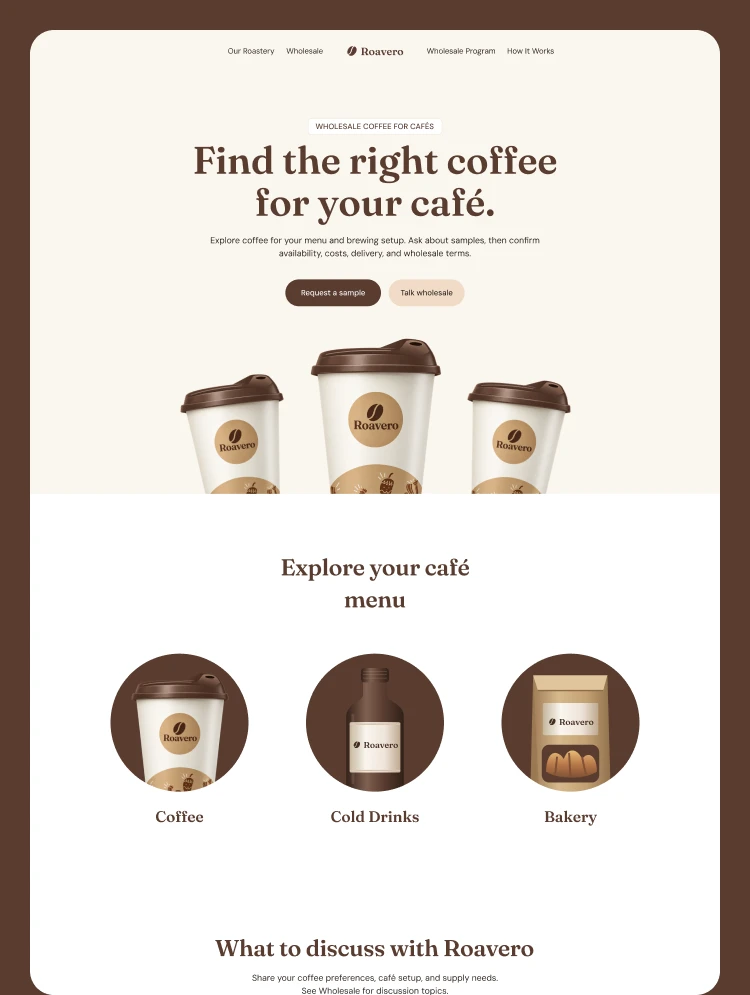
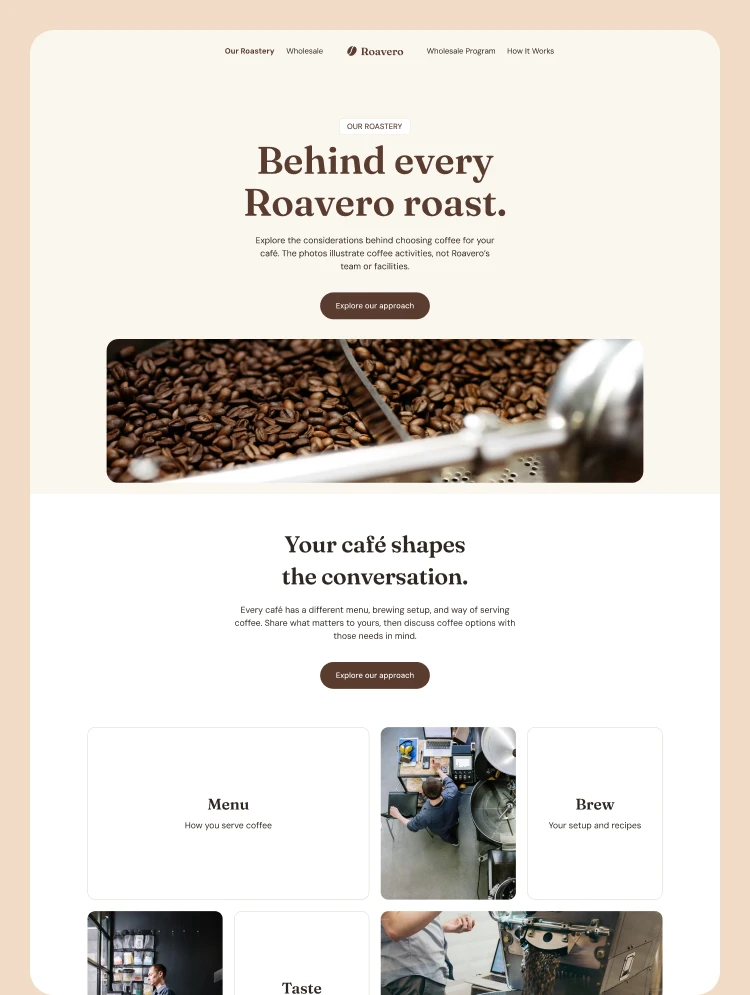
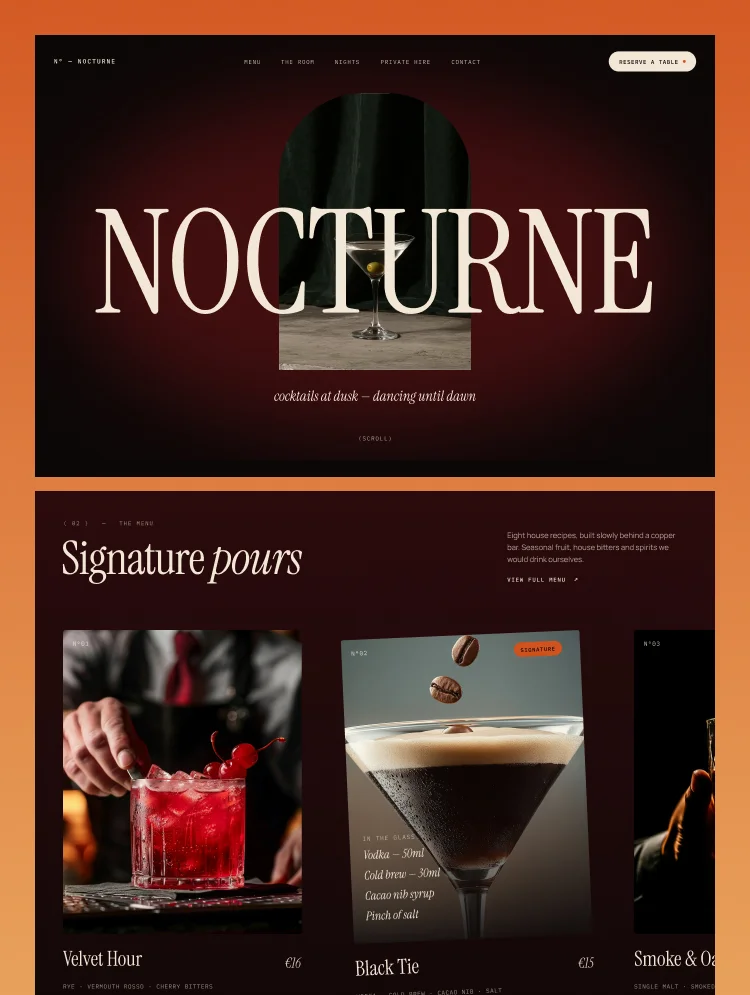
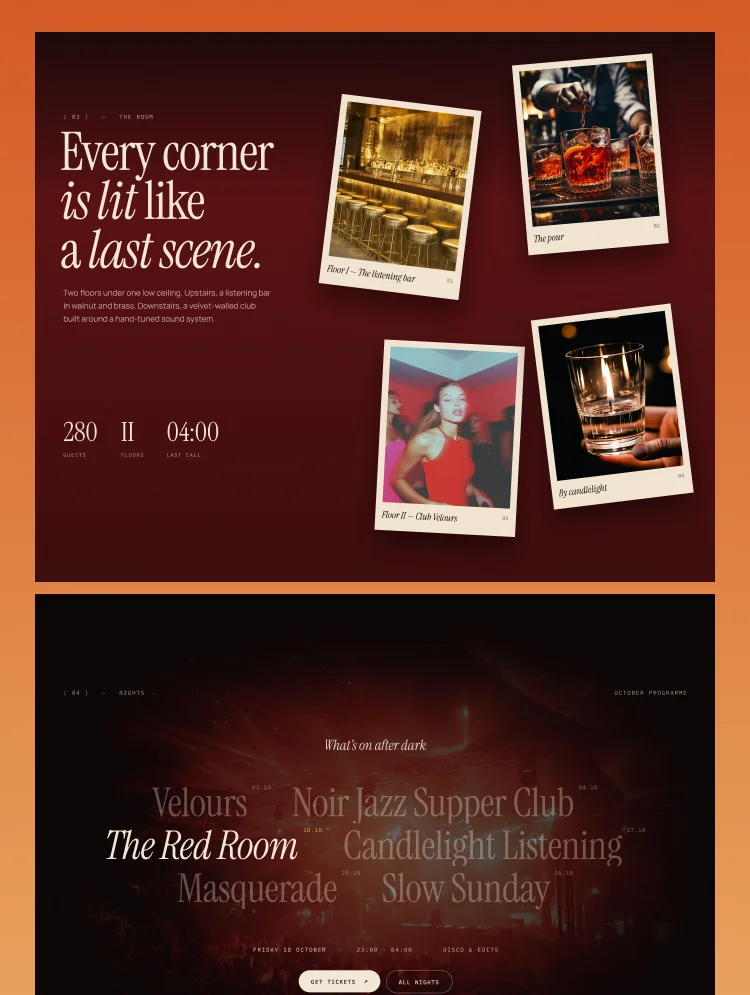
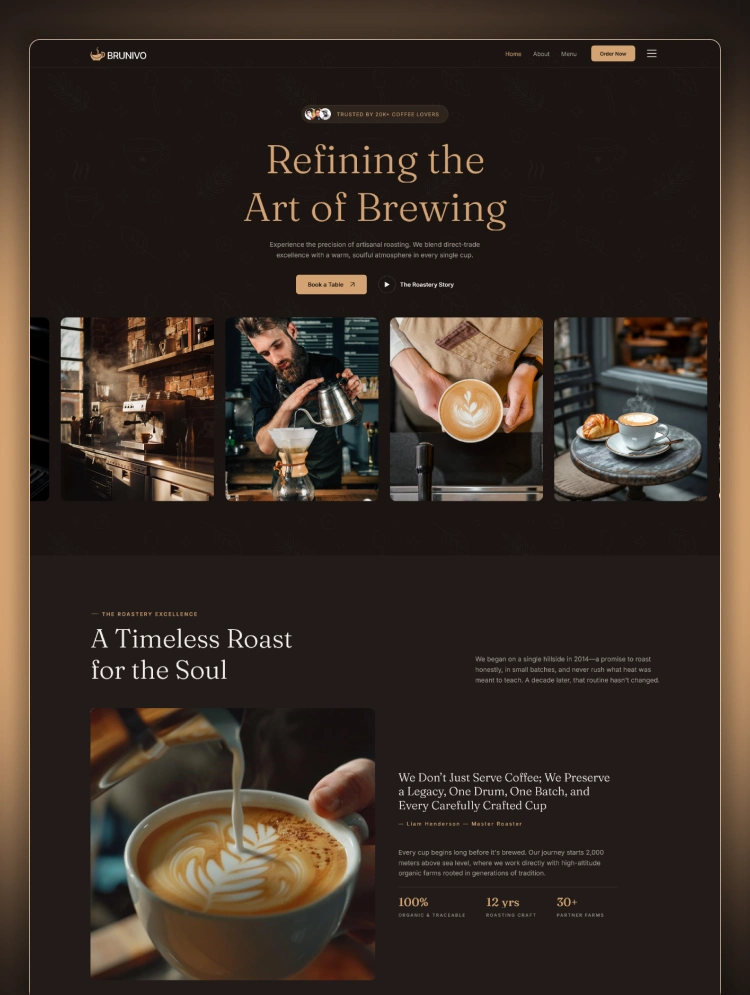
Brunivo is a warm and modern cafe website template built in Webflow. It showcases menus, coffee stories, and brand details with clarity. Customers can explore signature drinks and reserve a table through a smooth online booking experience.
Brunivo is a refined coffee shop Webflow template for stylish modern café businesses. Its dark coffee website template design creates a warm and memorable visual identity. The cafe website template presents drinks and stories through bold yet simple layouts.
This café Webflow template helps visitors explore menus and reserve tables without confusion. A coffee house website template should feel welcoming across every important customer touchpoint. Brunivo also works as a coffee roastery website template for premium local brands.
This coffee business website template supports strong branding through images and thoughtful typography. An artisan coffee website template needs personality while keeping product details easy to understand. Brunivo gives every specialty coffee website template a polished and professional online presence.
Best For: Brunivo suits cafés seeking a coffee brand website template with strong visual storytelling. Roasters can use this coffee menu website template to present signature drinks clearly. It also supports any online coffee shop website template serving modern hospitality businesses.
Brunivo includes 15 pages for presenting your café brand and serving customers online. It offers nine static pages, four CMS collection pages, and two utility pages. The Home, About Us, Menu, Reservation, Blog, and Contact pages cover essential needs.
Home and About Us introduce the café while Menu displays drinks and prices. Reservation lets guests request tables while Blog shares coffee stories and useful updates. Contact helps customers find location details and send direct inquiries with ease.
Brunivo offers a restaurant website template structure suited to smaller hospitality brands. Its flexible layout also works as a cafe and restaurant website template. The responsive cafe website template keeps every section readable on smaller screens.
A Webflow restaurant template helps owners update content without complex technical work. This Webflow cafe template supports menu management, blogging, reservations, and brand updates. The Webflow coffee template also works as a flexible CMS coffee shop template.
This coffee shop website template is crafted with dark coffee-inspired colors, bold typography, and striking visual details throughout. Its premium atmosphere creates a memorable first impression for every modern coffee shop visitor online.
This cafe template is fully responsive across desktops, tablets, smartphones, and other common screen sizes today. Visitors enjoy smooth navigation, readable content, and clear buttons on every connected device they use.
This cafe Webflow template is fully customizable through Webflow’s visual tools and simple style controls for everyone. Owners can change colors, fonts, images, layouts, and written content without advanced coding knowledge easily.
The Brunivo template is powered by Webflow CMS for menus, posts, categories, and authors online easily. Teams can publish fresh content quickly while keeping each dynamic page organized and consistent visually.
This Webflow web template is designed with clean layouts and optimized elements for faster browsing everywhere online. Quick pages help visitors view menus, stories, and reservation details without frustrating delays or interruptions.
This template is structured with clear headings, responsive pages, and editable SEO settings for visibility. Search engines can understand important content while customers discover the coffee business more easily online.
Static Pages
CMS Collection Pages
Utility Pages
Can only be used by you or one client for one end product. You cannot resell or redistribute this template in its original or modified state.
This template is free to use in both person and commercial projects. You cannot resell, redistribute, or license this template in its original or modified state.
Questions about this template? Just reach out to the template designer and they will get back to you within 2 business days.
For advanced design guidance, please share your questions in the Webflow Forum or reach out to a Webflow Partner.
Share your feedback by leaving a comment below.
For template support, please check the Support tab.

Use the Preview in Designer option to make any edits to the template pages and preview how the layout would fit your content. Changes in preview mode won't be saved.
It isn't possible to apply a template to an already existing project. Instead, you'll need to create a new project based on the Template.
With a Core plan (or higher), you can export sites you build in Webflow, including templates, to host them anywhere you'd like.
Webflow templates are only available for purchase through Workspaces and legacy individual accounts.
CMS templates are designed to use the power of the Webflow CMS. It is possible to downgrade to a Basic Site Plan as long as all CMS content is deleted from the project.
Use the View Connections tool to understand where the CMS content is on the site and delete any dynamic listings and CMS content. We also recommend you to check Components and the Collection page Templates.
Ecommerce templates are designed to use the power of Webflow Ecommerce. It is not possible to remove Ecommerce from a template, however, deleting all Ecommerce Products and Categories from the project, will allow to select a lower Site Plan.
Membership templates are designed to use the power of Webflow Membership. It is not possible to remove Memberships from a template.
.svg)


Reposition and resize items anywhere within the grid to produce powerful, responsive layouts — faster and without code.
Build your lead lists and subscriber base with beautiful forms.
Comes with animations and interactions for additional polish and usability.