Trusted by teams at






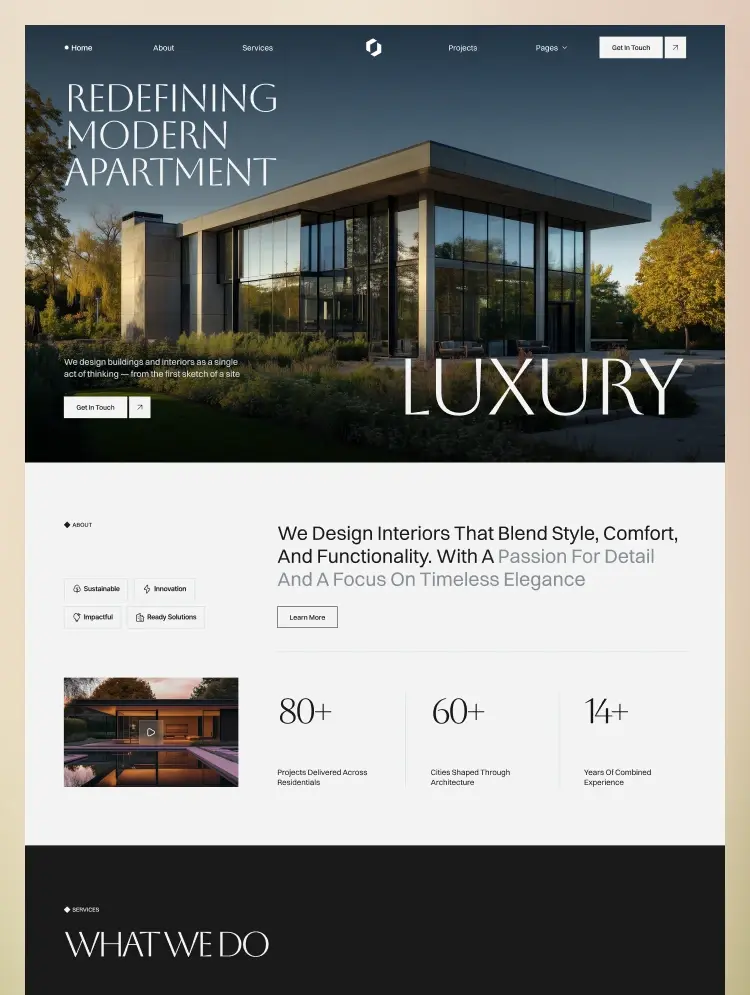
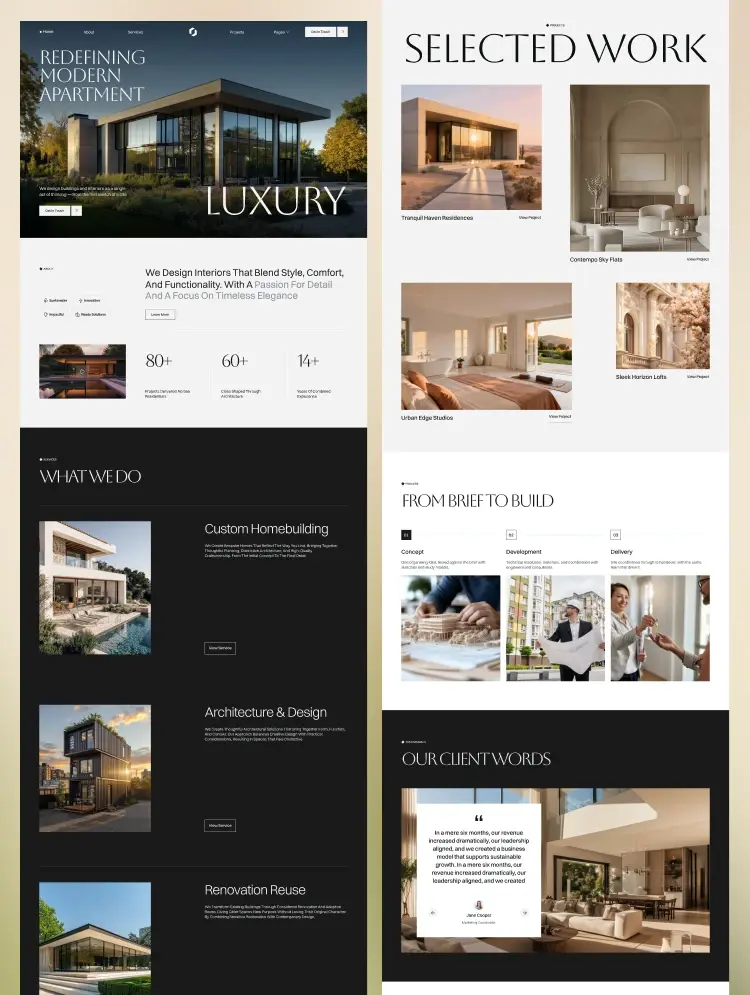
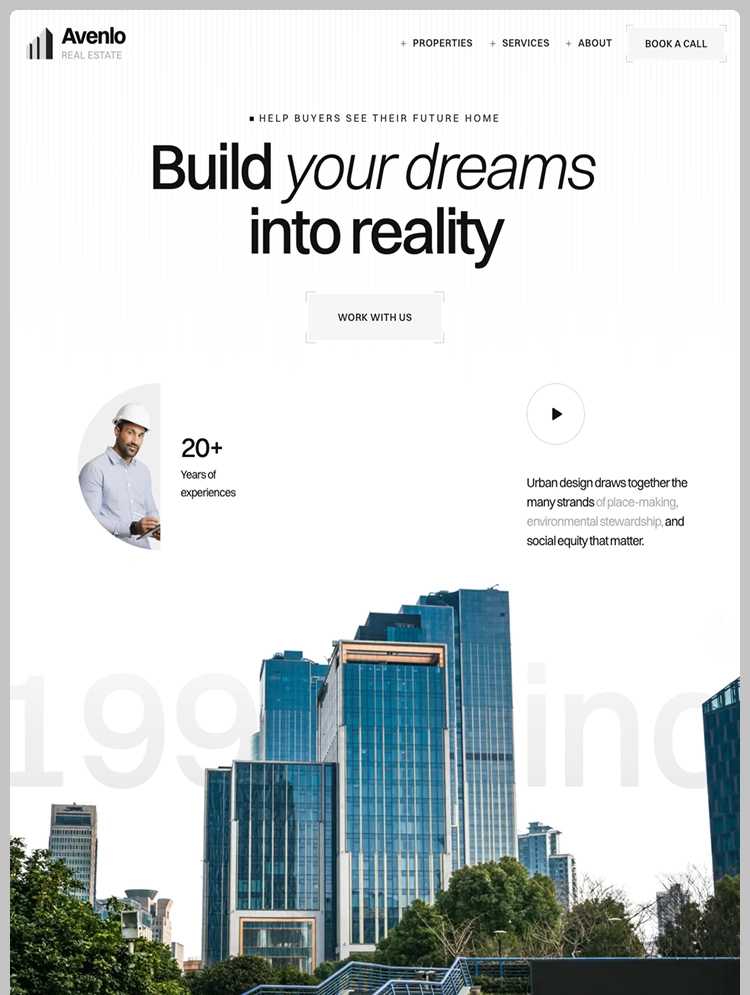
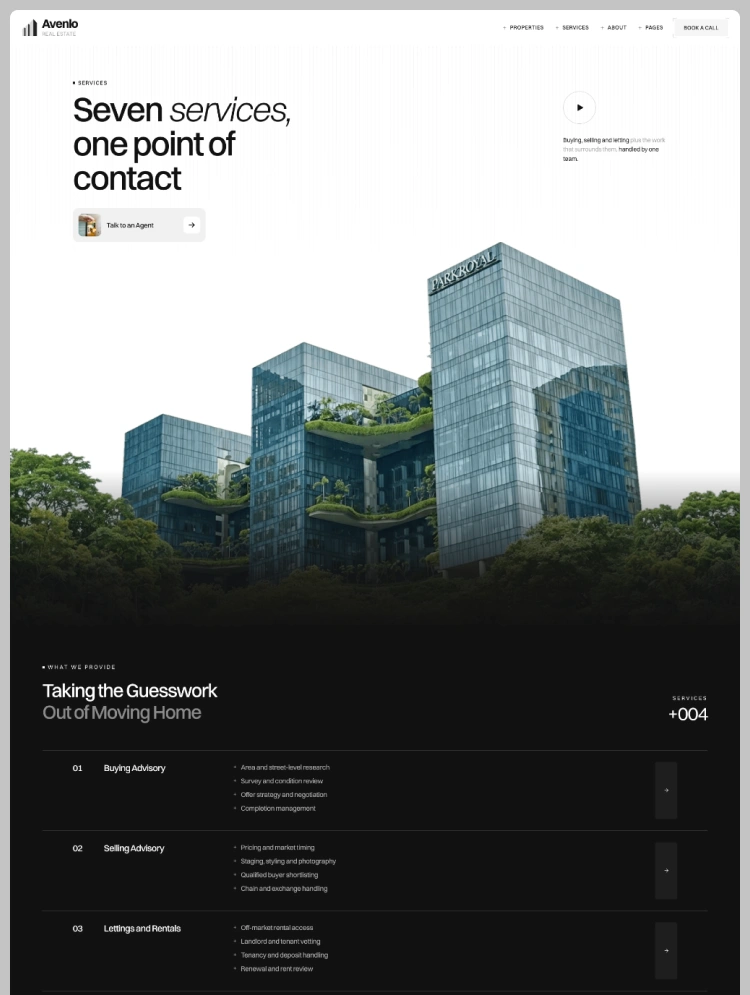
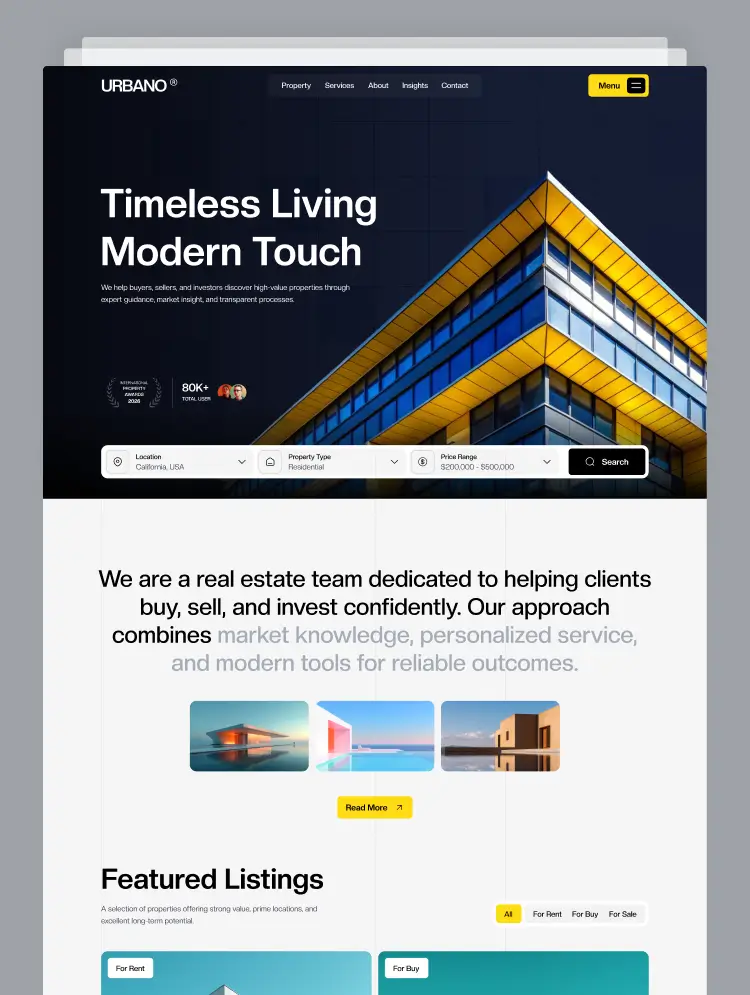
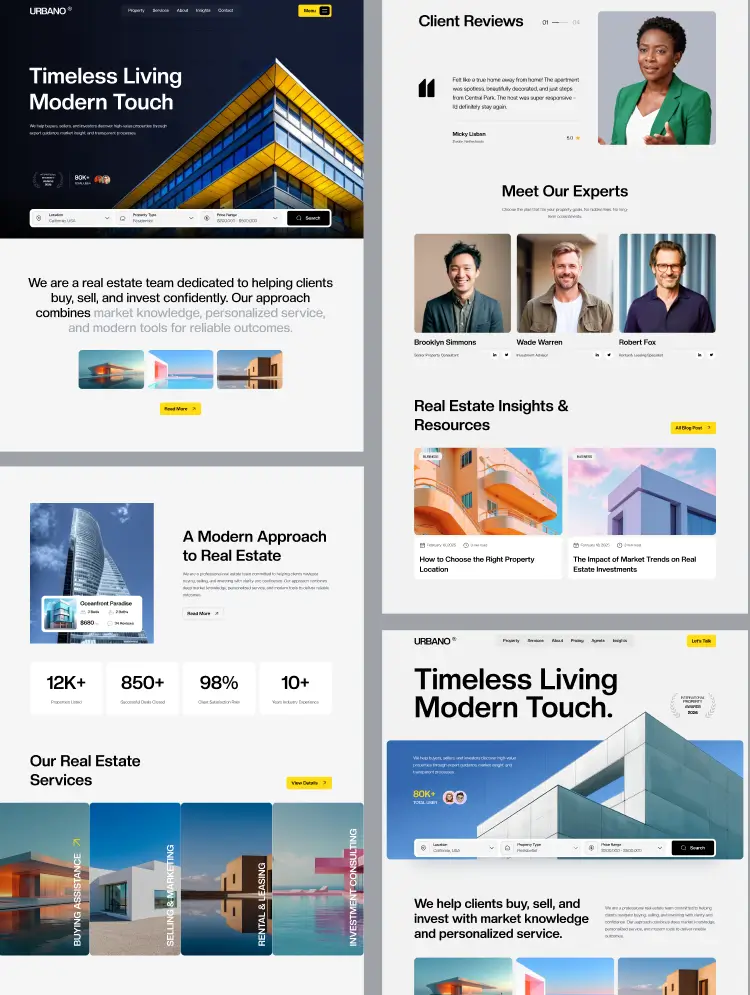
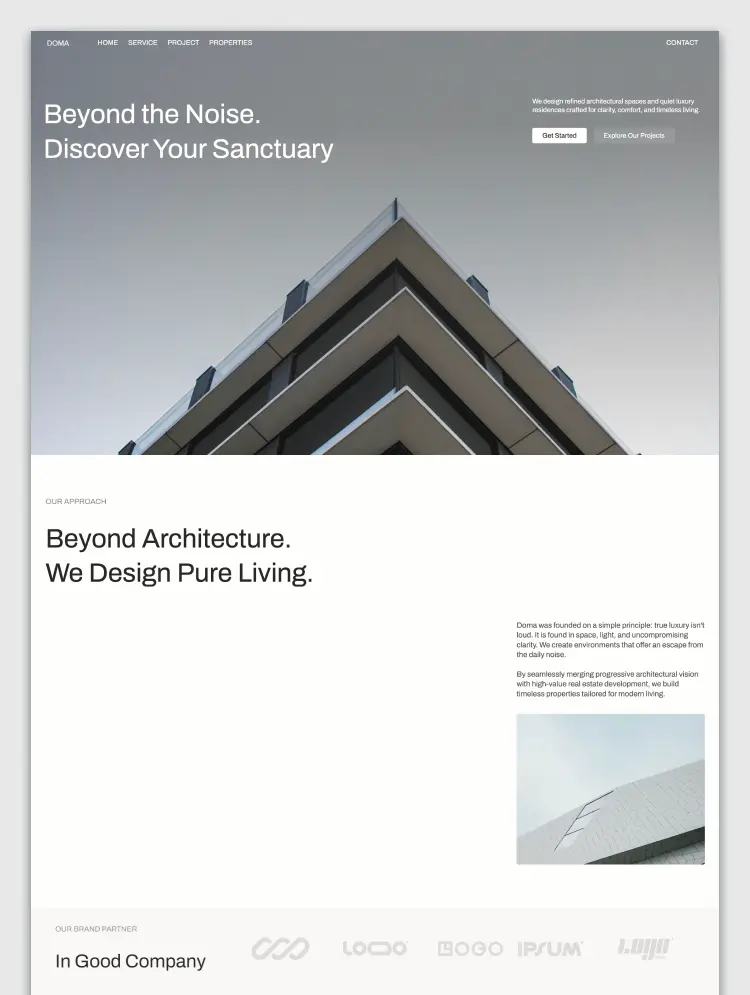
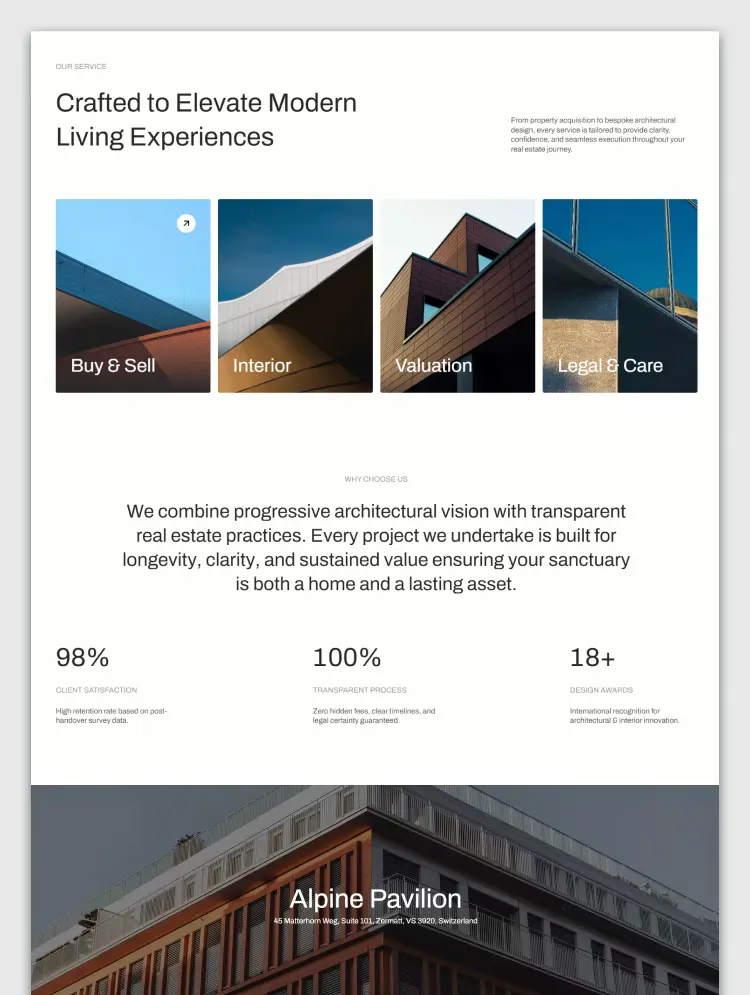
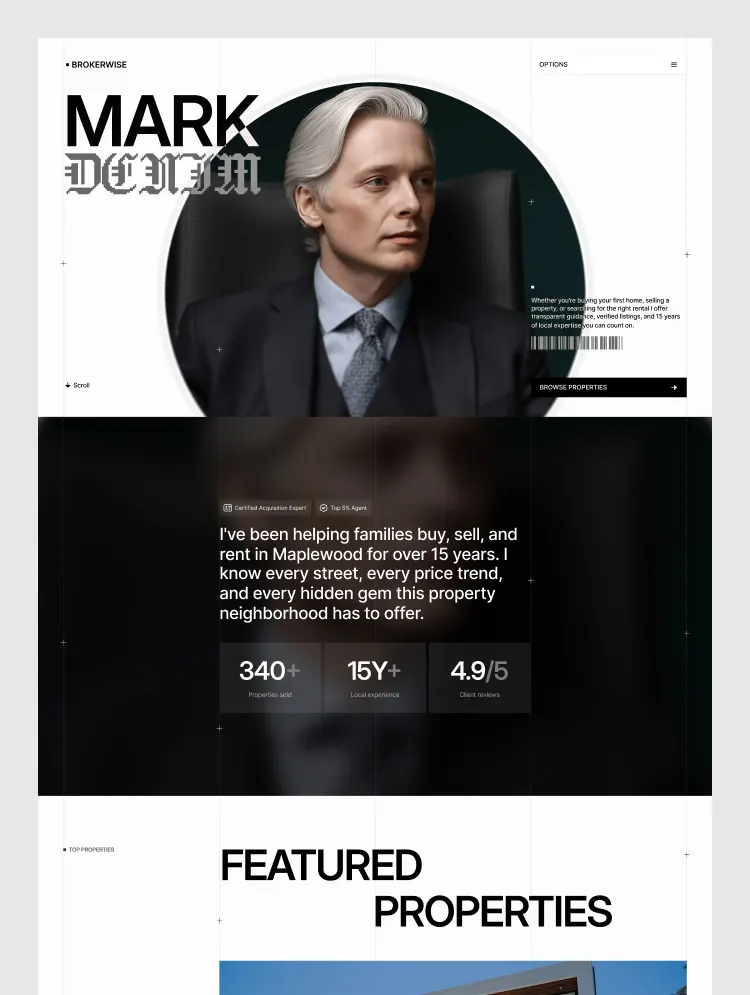
Brokerwise is a template for local real estate agents and property professionals. Showcase listings, services, market expertise, testimonials, valuation forms, and consultation flows in a professional website built for qualified property leads.
Real estate clients do not choose an agent based only on available listings. They choose someone they trust to guide one of the biggest decisions of their lives. Brokerwise is a template for local real estate agents who need a professional website to attract buyers, sellers, renters, and property investors.
Buyers need confidence that property information is accurate, listings are presented clearly, and the agent understands their needs. Sellers need proof that an agent knows the market, can promote their property effectively, and can attract serious buyers.
When an agent depends only on social media pages, referral networks, or outdated profile websites, they lose opportunities to build authority and capture leads. Without strong property presentation, trust elements, and clear conversion paths, potential clients may move to competitors with a stronger digital presence.
Brokerwise helps real estate professionals create a complete online property platform. The structure combines property discovery, personal branding, service explanation, local expertise, and lead generation tools to support the entire client journey.
Use it for residential property agents, neighborhood specialists, brokers, rental consultants, property advisors, and small real estate teams. The layout helps professionals showcase homes, explain their services, and create easier paths for buyers and sellers to take action.
This template is especially useful for agents who want to position themselves as trusted local experts instead of just another listing source. It helps answer important client questions before the first conversation and creates stronger opportunities for consultations and property inquiries. Brokerwise combines premium real estate presentation with practical conversion structure.
Can I customize Agentwise for my local real estate market?
Yes, Agentwise can be customized for different cities, neighborhoods, and property markets. You can update listings, locations, services, testimonials, agent information, and contact details to match your real estate business.
Can I use Agentwise for both buyers and sellers?
Yes, the structure supports both sides of the real estate business. You can showcase properties for buyers while also creating dedicated sections for seller consultations, valuations, and property marketing services.
Is Agentwise suitable for local SEO?
Yes, Agentwise is designed for location based real estate businesses. You can customize neighborhood information, service areas, property pages, and market content to support local search visibility.
Can agencies use Agentwise for client projects?
Yes, Agentwise works well for freelancers and agencies creating websites for independent agents, brokers, and small real estate teams. The structure can be adapted for different property brands and markets.
Looking for more premium website templates? Explore the complete GrabUI library featuring a growing collection of templates designed for modern businesses, startups, and creators.
Explore GrabUI Template Library
https://grabui.com/library/template-library
Want to personalize this template, add new sections, improve functionality, or build a completely custom website? Our team helps businesses with template customization, website design, development, and custom digital experiences.
Get in touch: hello@grabui.com
Can only be used by you or one client for one end product. You cannot resell or redistribute this template in its original or modified state.
This template is free to use in both person and commercial projects. You cannot resell, redistribute, or license this template in its original or modified state.
Questions about this template? Just reach out to the template designer and they will get back to you within 2 business days.
For advanced design guidance, please share your questions in the Webflow Forum or reach out to a Webflow Partner.
Share your feedback by leaving a comment below.
For template support, please check the Support tab.

Use the Preview in Designer option to make any edits to the template pages and preview how the layout would fit your content. Changes in preview mode won't be saved.
It isn't possible to apply a template to an already existing project. Instead, you'll need to create a new project based on the Template.
With a Core plan (or higher), you can export sites you build in Webflow, including templates, to host them anywhere you'd like.
Webflow templates are only available for purchase through Workspaces and legacy individual accounts.
CMS templates are designed to use the power of the Webflow CMS. It is possible to downgrade to a Basic Site Plan as long as all CMS content is deleted from the project.
Use the View Connections tool to understand where the CMS content is on the site and delete any dynamic listings and CMS content. We also recommend you to check Components and the Collection page Templates.
Ecommerce templates are designed to use the power of Webflow Ecommerce. It is not possible to remove Ecommerce from a template, however, deleting all Ecommerce Products and Categories from the project, will allow to select a lower Site Plan.
Membership templates are designed to use the power of Webflow Membership. It is not possible to remove Memberships from a template.
.svg)


Reposition and resize items anywhere within the grid to produce powerful, responsive layouts — faster and without code.
Build your lead lists and subscriber base with beautiful forms.
Comes with animations and interactions for additional polish and usability.