Trusted by teams at






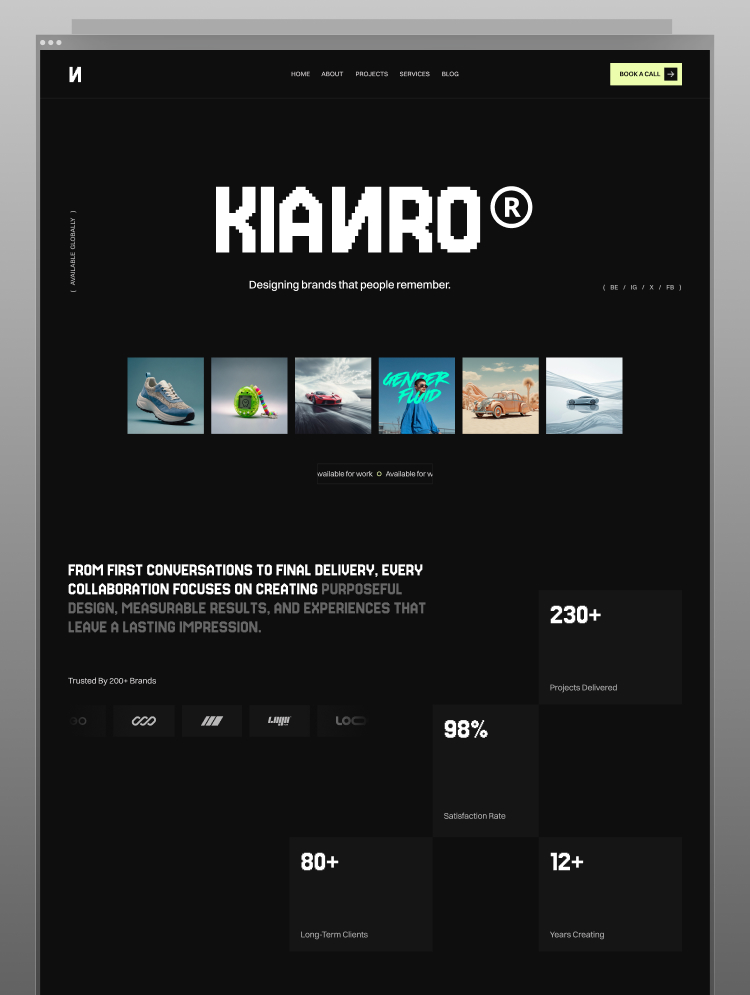
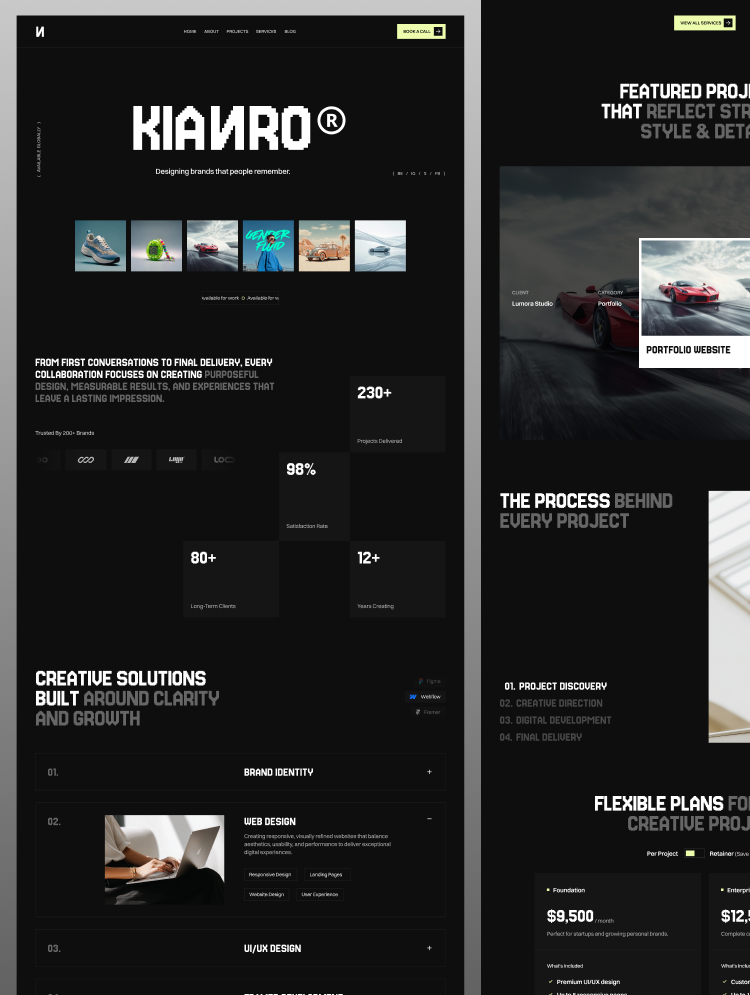
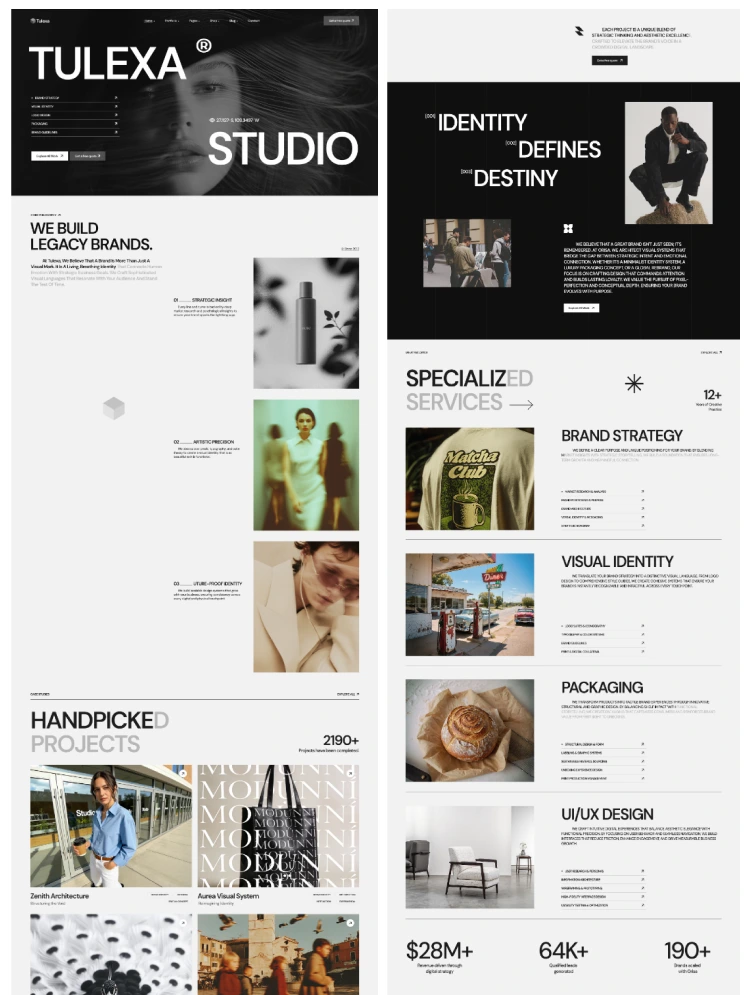
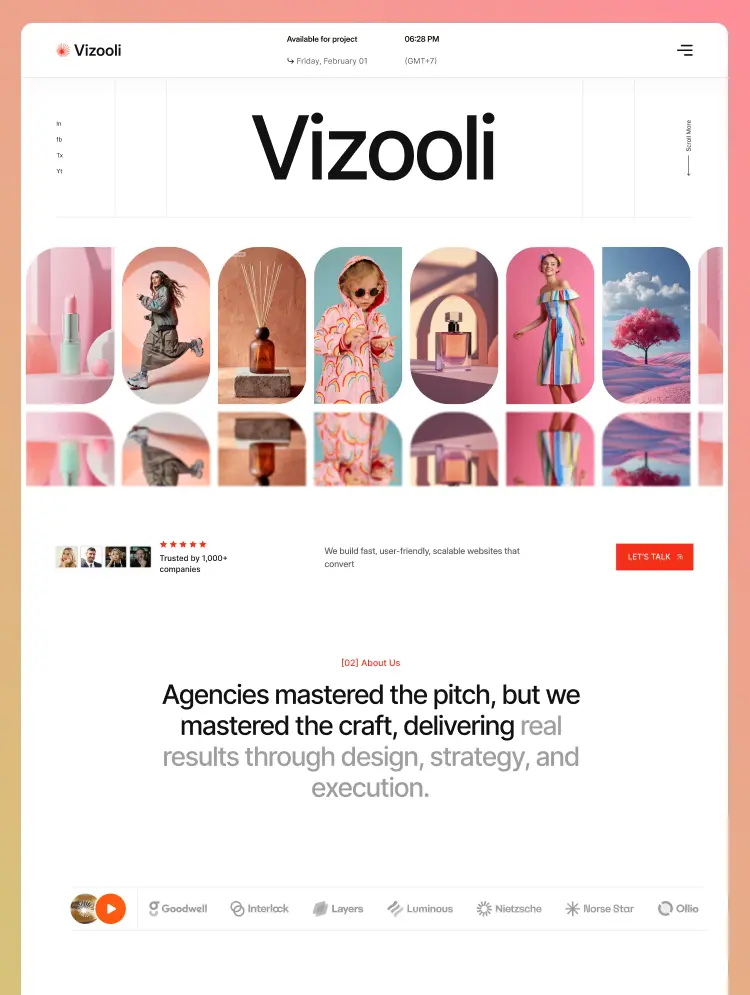
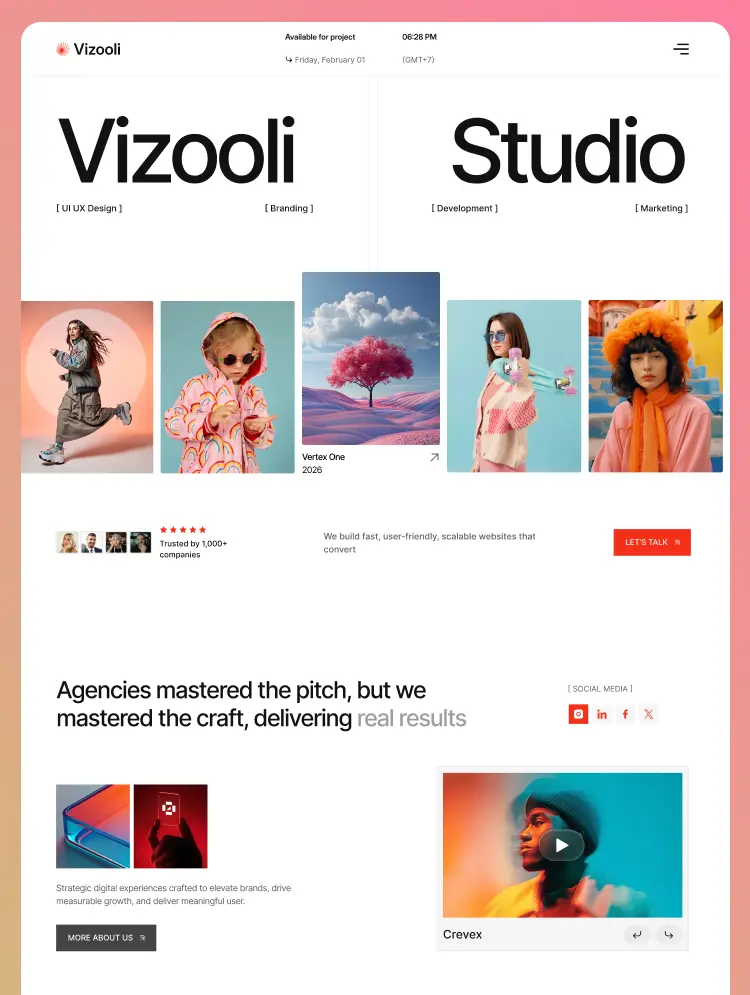
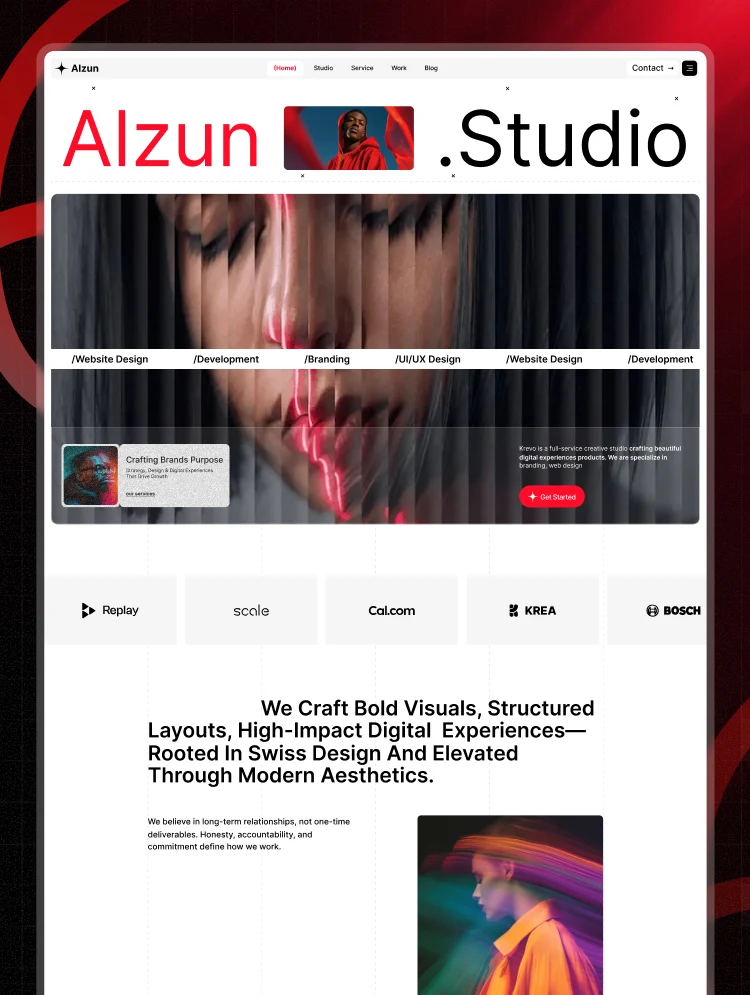
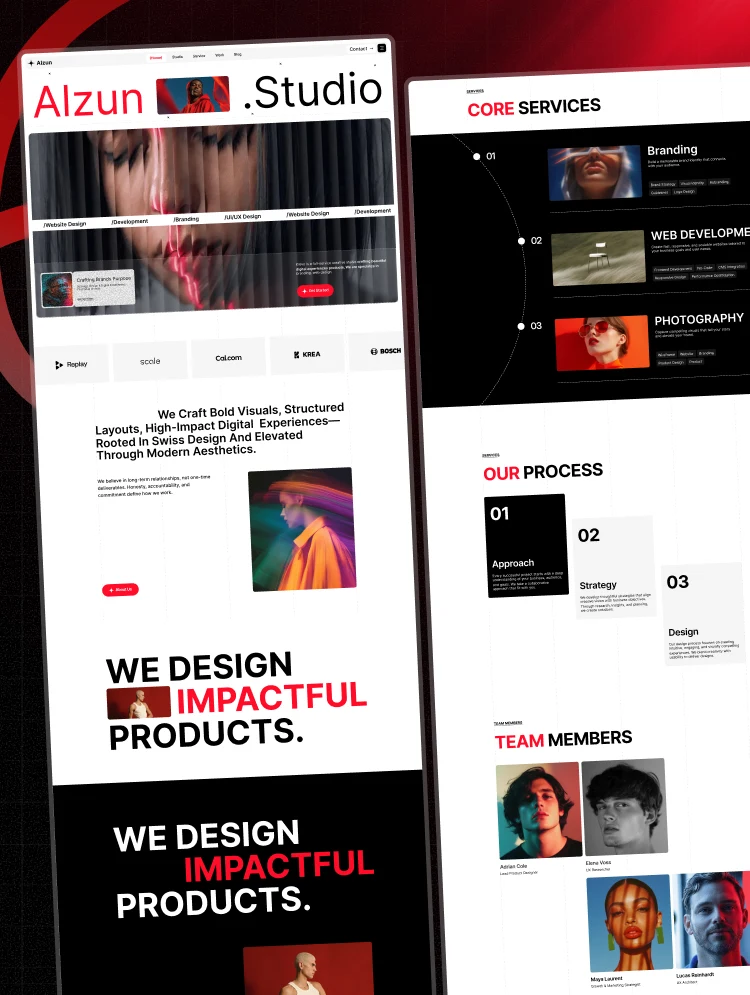
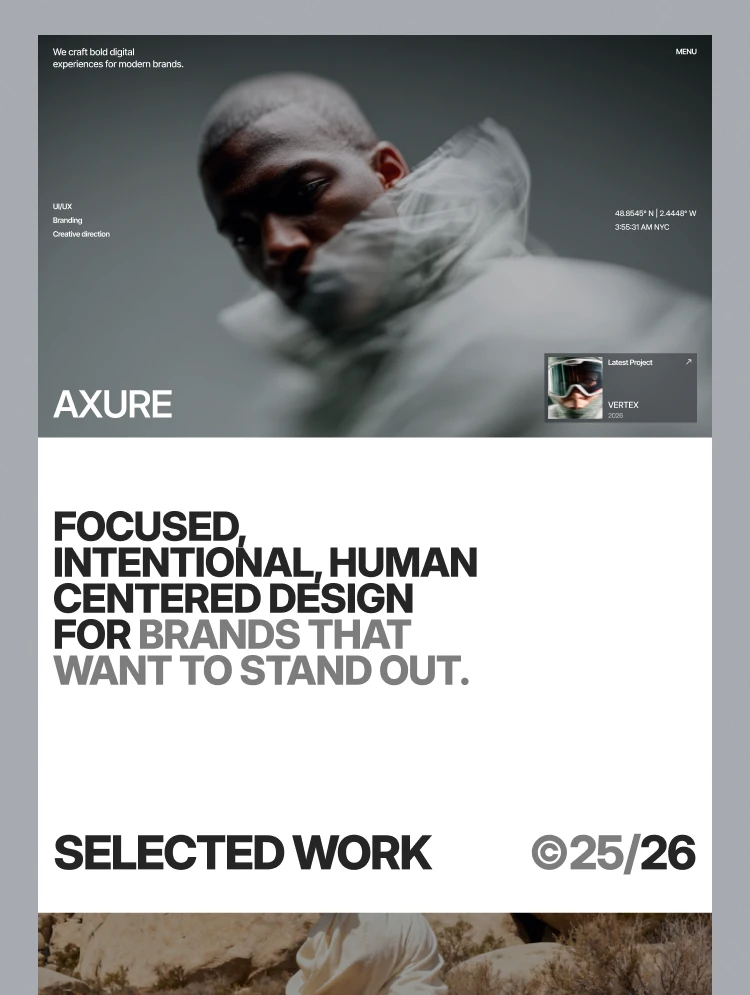
Portfolio is at the heart of Axure, giving creative teams a focused portfolio space to present their best work and build a professional online presence. Axure is a portfolio, creative agency and design agency website template for product and UX studios, featuring two portfolio layouts, a portfolio process page, enquiry form, and CMS collections for portfolio work, blogs, and categories. Its clean design helps a creative studio and creative agency showcase its best portfolio work, organize content, and attract new clients who are interested in a modern portfolio and creative agency website.
Design studio and creative agency are hired on portfolio work and how they think. Axure is a portfolio and creative agency website template with a portfolio work collection, individual portfolio project page, and a dedicated portfolio process page. It gives a creative agency a professional way to showcase portfolio project, case study, and result while explaining the process behind each project.
Axure suits a creative agency, design studio, or independent designer presenting selected portfolio work. With a clean structure and flexible CMS, you can launch a portfolio website quickly, organize portfolio project, and present your best work professionally while turning visitors into clients.
Static pages
CMS collection templates
Section folders
Utility pages
Blog, blog category and work entries are held in Webflow CMS collections. Adding an entry means filling in fields rather than rebuilding a page, and it appears in the relevant listings automatically. For a site that gets updated regularly, this is the part that decides whether it stays current.
Works Grid and Works List are separate pages showing the same collection differently. Image-led work reads better as a grid, systems and product work often reads better as a list. Keep the one that suits your projects.
Prospective clients want to know what working with you is like before they enquire. There is a page for it rather than a paragraph on the about page. so, its not just a portfolio setup, but a complete website setup.
Name, email, company and a project description field. That is enough to decide whether to take a call, which is what a studio enquiry form is for.
It presents the studio and its work. It does not gate case studies behind a login, run client review or approval rounds, host files, or handle proposals and contracts. There is no online store, so selling templates, presets or courses needs a shop alongside it.
Axure makes it easy to showcase your best work with a professional portfolio website for a creative agency, design agency, design studio, or digital agency. Build a compelling creative agency portfolio with dedicated portfolio project pages, portfolio case study pages, portfolio work, creative process, and detailed project content that helps showcase your best creative work and attract new clients.
A creative agency can use Axure to build a professional creative agency portfolio that highlights creative agency work, creative projects, creative services, and portfolio case studies. Present every creative project through a polished portfolio website with detailed project pages, project results, creative process, and portfolio content. Organize your creative work into a strong agency portfolio that communicates your capabilities, experience, and creative approach.
A design agency can create a professional design agency portfolio that showcases design work, design projects, design case studies, and portfolio project content. Axure makes it easy to present design work through a polished portfolio website, explain the design process, and organize portfolio case study content in a clear and engaging way. Create a portfolio that highlights your best design projects and gives potential clients a deeper look at your agency's creative expertise.
A design studio can use Axure to create a standout design studio portfolio featuring portfolio project pages, portfolio case studies, portfolio work, and portfolio process. Showcase selected design projects, creative work, digital design, product design, UX design, UI design, branding, and other creative services. Keep your creative portfolio organized with detailed project pages that make it easy for visitors to explore your work, understand your process, and discover what makes your design studio unique.
A digital agency can use Axure to create a professional digital agency portfolio for showcasing digital project work, digital design, creative work, client projects, and portfolio case studies. The flexible CMS makes it easy to organize digital agency work, build detailed portfolio project pages, explain the creative process, and present a polished agency portfolio website. Showcase successful creative projects, project results, services, and case studies in a portfolio designed to help your digital agency attract new clients and demonstrate its expertise.
Work, blog posts and blog categories are CMS entries, so adding a project means filling in fields rather than building a page. Both portfolio layouts read from the same collection, so you are not maintaining two sets of content.
If you would rather not do it yourself, our team can customize this template for you, from color and content changes through to new pages and custom functionality. Request a Webflow template customization quote, or read more about our Webflow customization service.
What is the difference between Works Grid and Works List?
They present the same work collection in two layouts. Grid suits image-led work, list suits systems and product work with more to explain. Keep one and delete the other.
Can I password-protect client work?
Not in this build. Webflow supports password-protected pages, but the gating and any per-client access is something you would set up yourself.
How do I add a project?
Add an entry to the work collection. It appears in both portfolio layouts automatically.
Is this a portfolio template?
Yes, the main focus of axure webflow template is portfolio, specially creative agency portfolio.
Is there a blog?
Yes, with categories, held in separate CMS collections.
Can I sell design resources through it?
Not in this build. There is no checkout, so you would add a store beside it.
Support and ongoing updates are included. Message us after purchase if you need the Figma file and we will send it over.
Can only be used by you or one client for one end product. You cannot resell or redistribute this template in its original or modified state.
This template is free to use in both person and commercial projects. You cannot resell, redistribute, or license this template in its original or modified state.
Questions about this template? Just reach out to the template designer and they will get back to you within 2 business days.
For advanced design guidance, please share your questions in the Webflow Forum or reach out to a Webflow Partner.
Share your feedback by leaving a comment below.
For template support, please check the Support tab.

Use the Preview in Designer option to make any edits to the template pages and preview how the layout would fit your content. Changes in preview mode won't be saved.
It isn't possible to apply a template to an already existing project. Instead, you'll need to create a new project based on the Template.
With a Core plan (or higher), you can export sites you build in Webflow, including templates, to host them anywhere you'd like.
Webflow templates are only available for purchase through Workspaces and legacy individual accounts.
CMS templates are designed to use the power of the Webflow CMS. It is possible to downgrade to a Basic Site Plan as long as all CMS content is deleted from the project.
Use the View Connections tool to understand where the CMS content is on the site and delete any dynamic listings and CMS content. We also recommend you to check Components and the Collection page Templates.
Ecommerce templates are designed to use the power of Webflow Ecommerce. It is not possible to remove Ecommerce from a template, however, deleting all Ecommerce Products and Categories from the project, will allow to select a lower Site Plan.
Membership templates are designed to use the power of Webflow Membership. It is not possible to remove Memberships from a template.
.svg)


Reposition and resize items anywhere within the grid to produce powerful, responsive layouts — faster and without code.
Reusable elements you can use across your site. Edit a component and all copies update instantly.
Customize the built-in database for your project or just add new content.
Custom design for the 404 page of your website
Build your lead lists and subscriber base with beautiful forms.
Comes with GSAP animations and interactions for additional polish and usability.
Comes with animations and interactions for additional polish and usability.
Displays perfectly on desktops, tablets, and phones.
Site navigation automatically collapses into a mobile-friendly menu on smaller devices.
Display images and text elegantly on every device with our touch-friendly slider.
All graphics are optimized for devices with high DPI screens.
Uses fonts from Google's Web Font collection.