Trusted by teams at






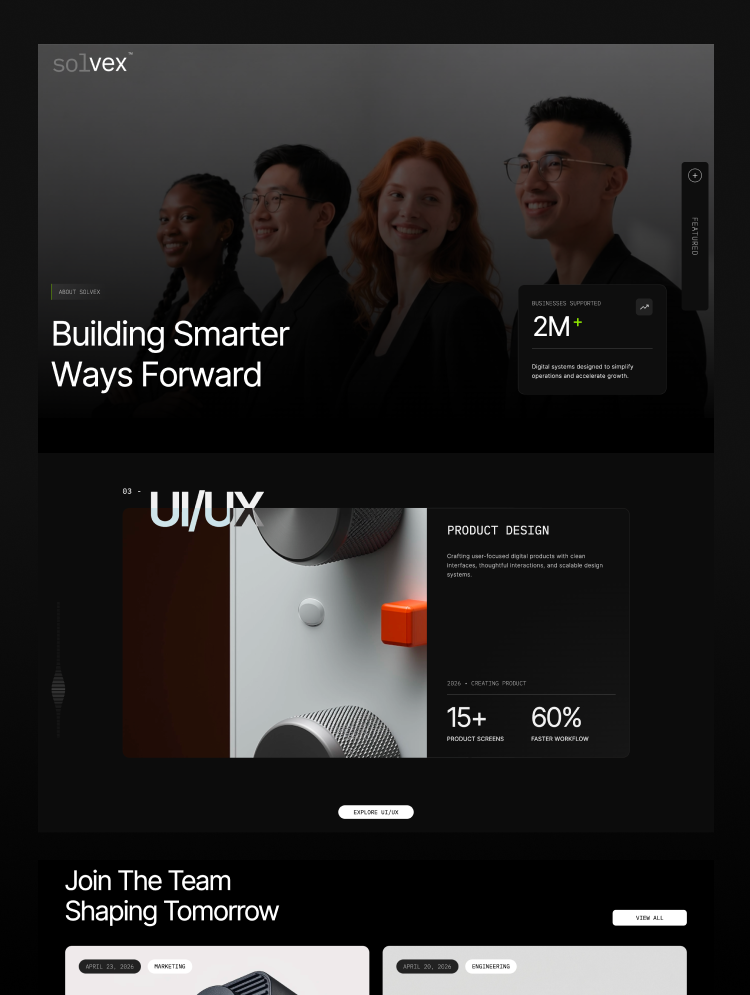
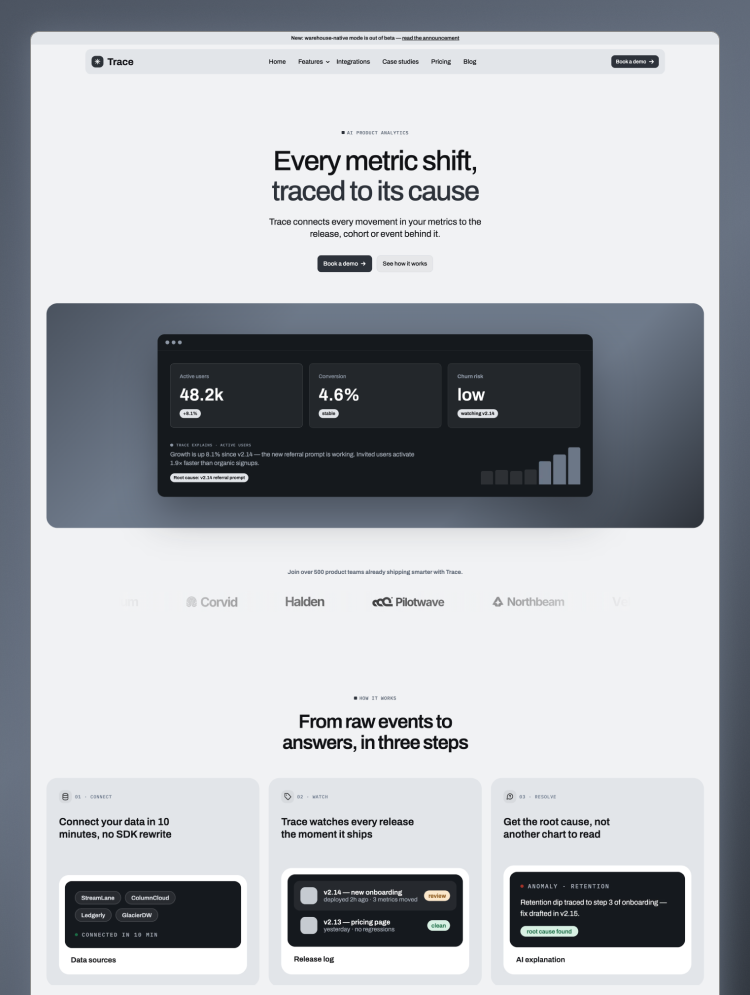
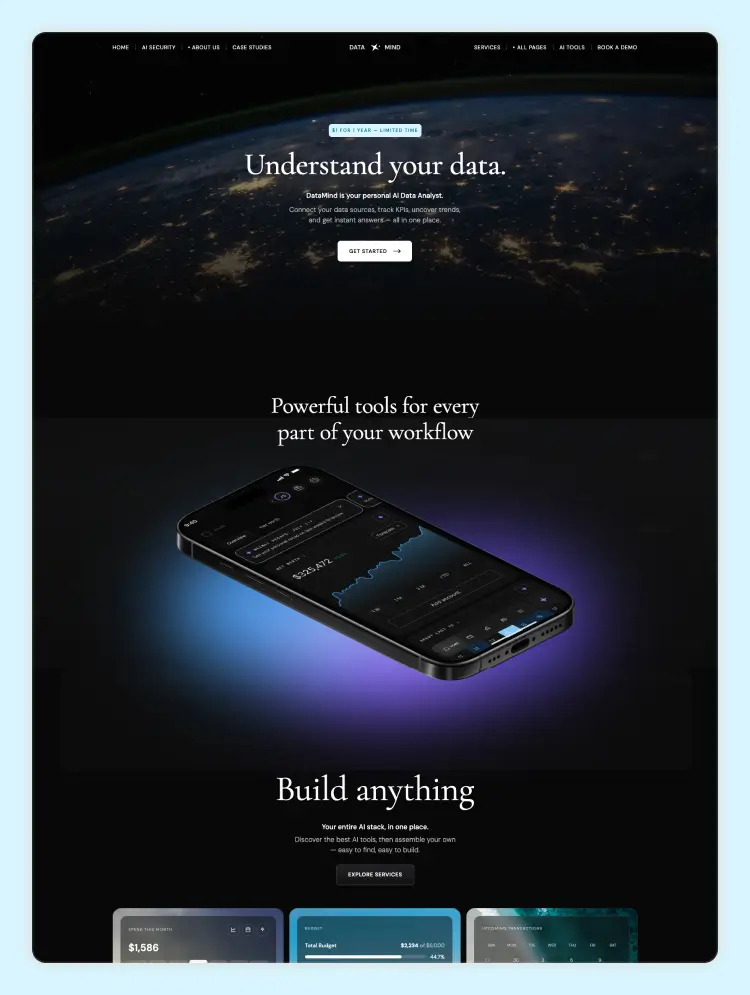
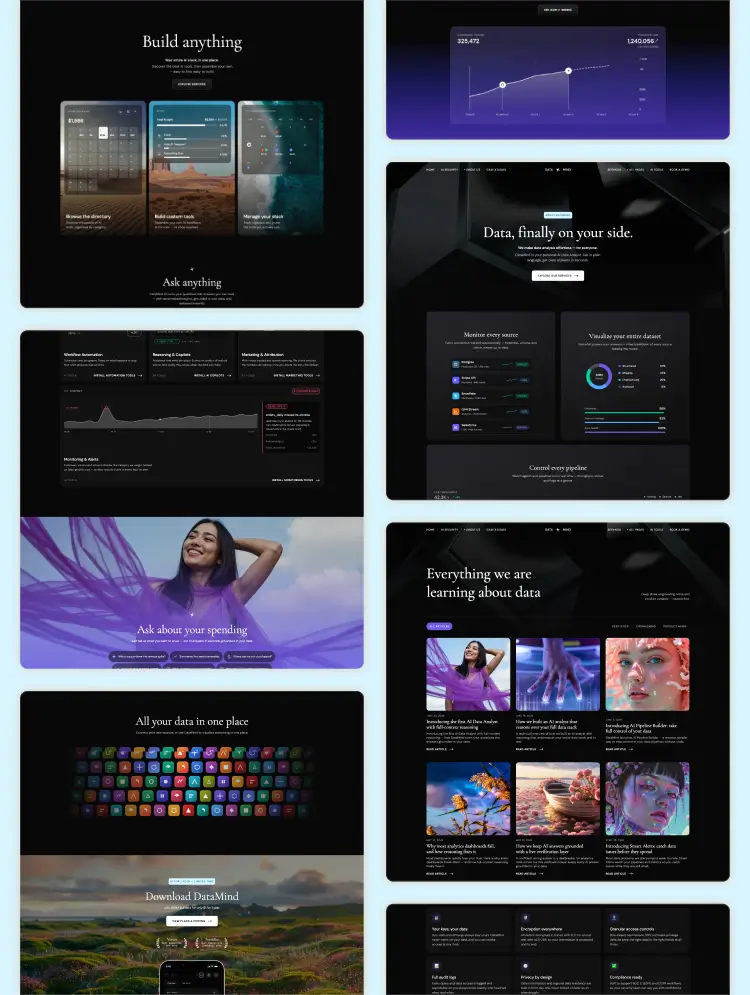
Automora is a modern AI automation agency Webflow template for consultants, chatbot service providers, and workflow automation experts. It includes responsive layouts, CMS blog, case studies, pricing, service pages, and lead-focused sections.
Automora is a modern AI automation agency Webflow template designed for AI consultants, workflow automation agencies, no-code automation experts, SaaS companies, AI chatbot providers, technology startups, business automation firms, and digital transformation agencies.
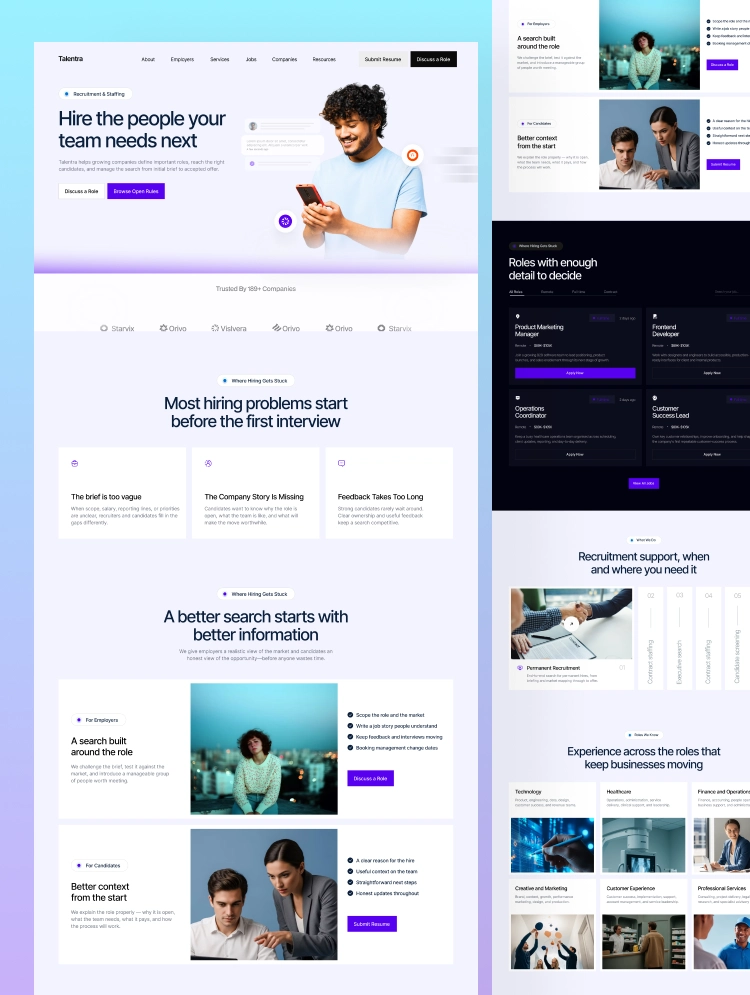
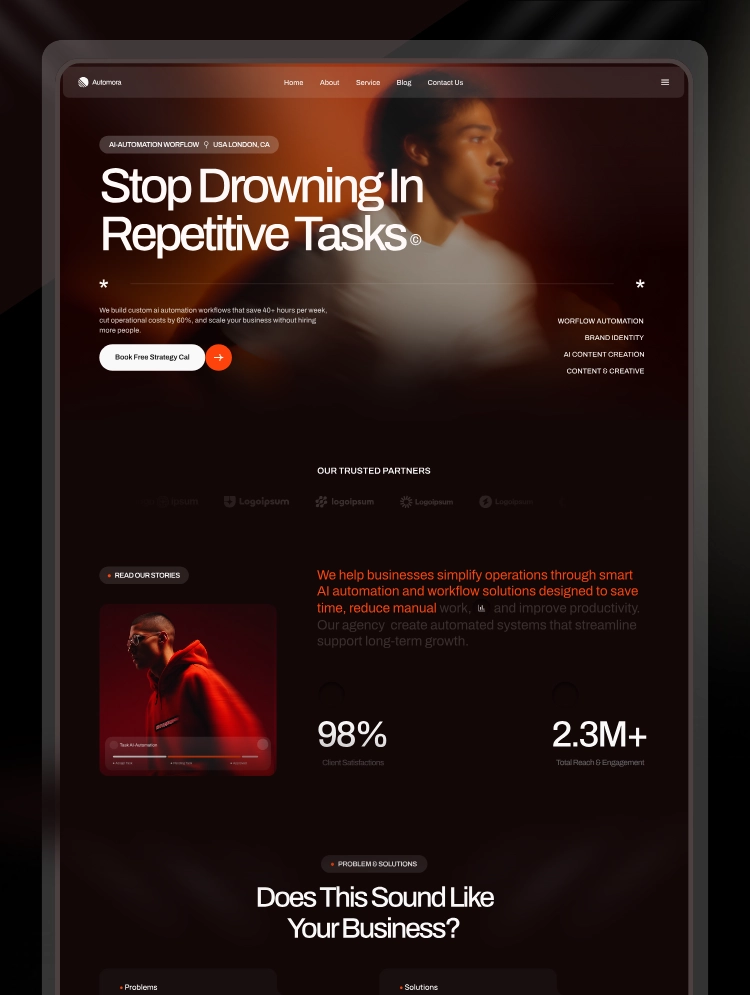
Featuring two professionally designed homepage layouts, 30+ reusable sections, CMS-powered pages, modern dark visuals, conversion-focused content blocks, and fully responsive layouts, Automora gives AI and technology businesses everything they need to launch a powerful, professional website.
Whether you offer AI workflow automation, custom AI agents, chatbot development, voice agents, lead generation automation, CRM integration, or business process automation, Automora helps you explain your services, demonstrate real results, publish case studies, and generate more qualified consultation inquiries.
Automora is a complete multi-page AI automation Webflow template built for modern technology businesses that want to present complex automation services in a simple, credible, and engaging way.
The template combines bold typography, premium dark layouts, clear content hierarchy, interactive sections, CMS-powered content, and strategic calls to action.
Instead of building an AI agency website from scratch, you can use Automora to launch faster and customize the design according to your brand, services, and target audience.
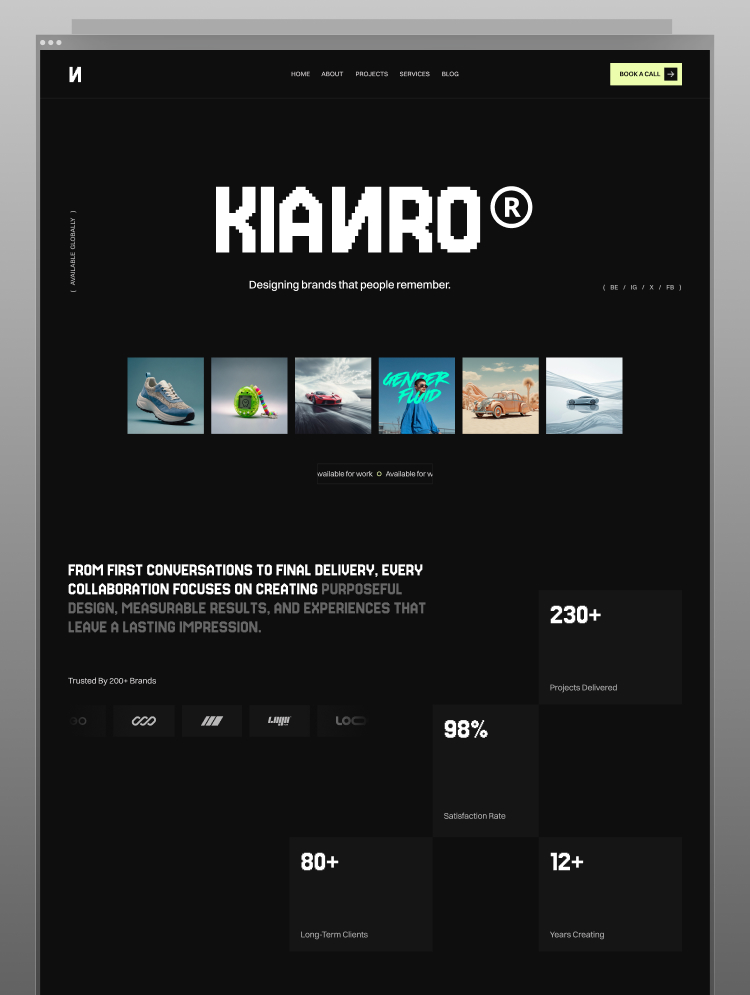
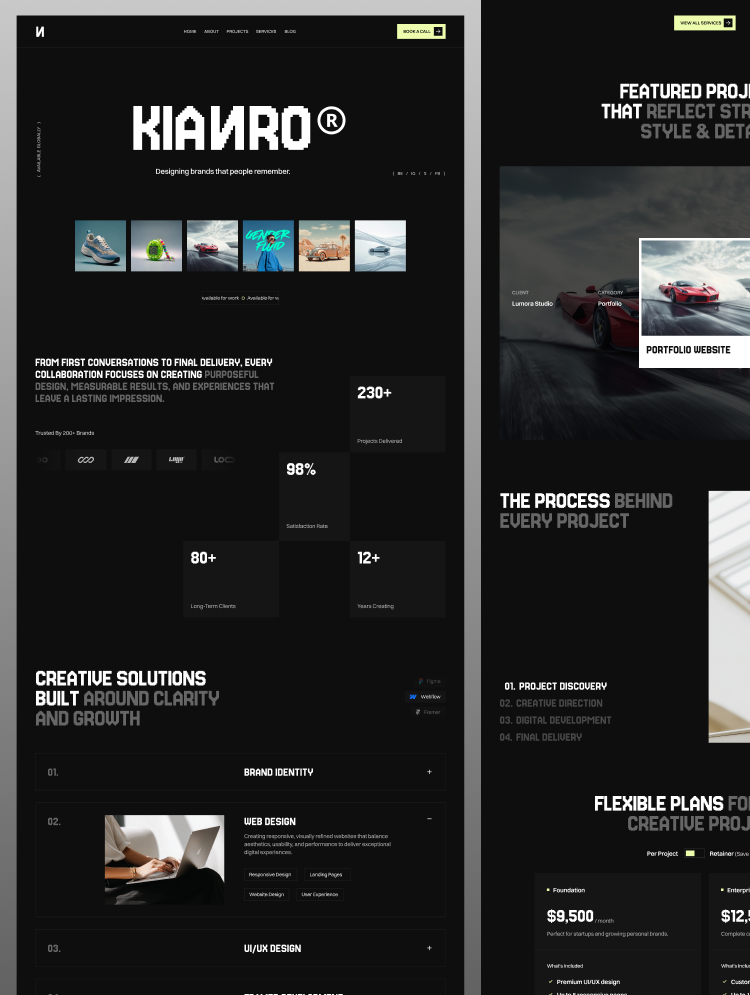
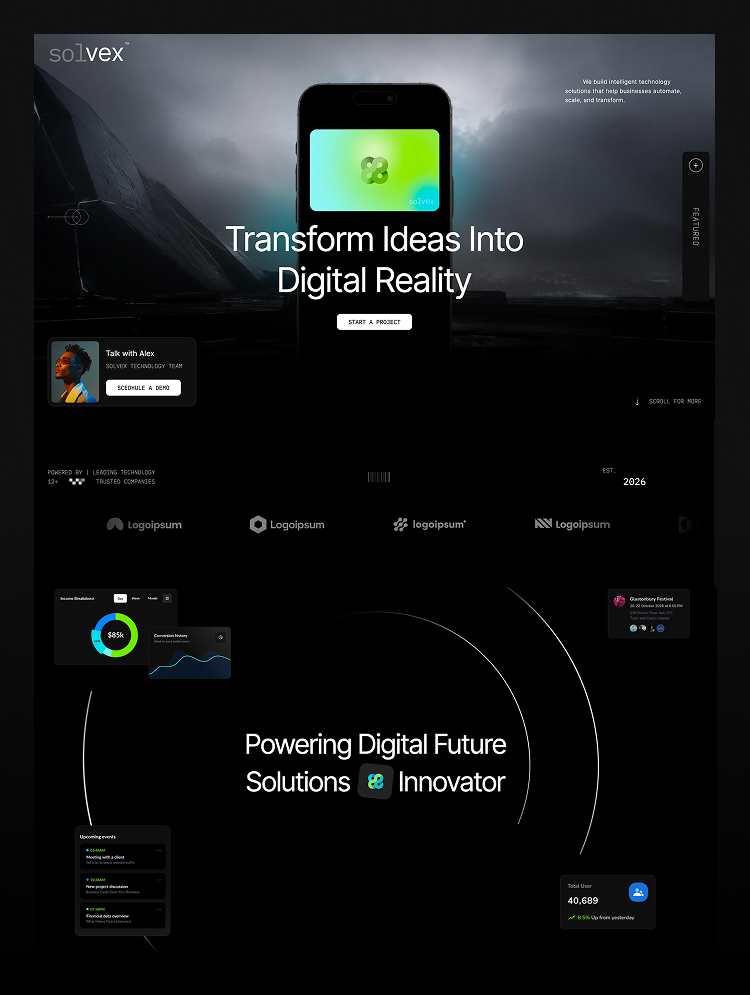
Two unique homepage designs
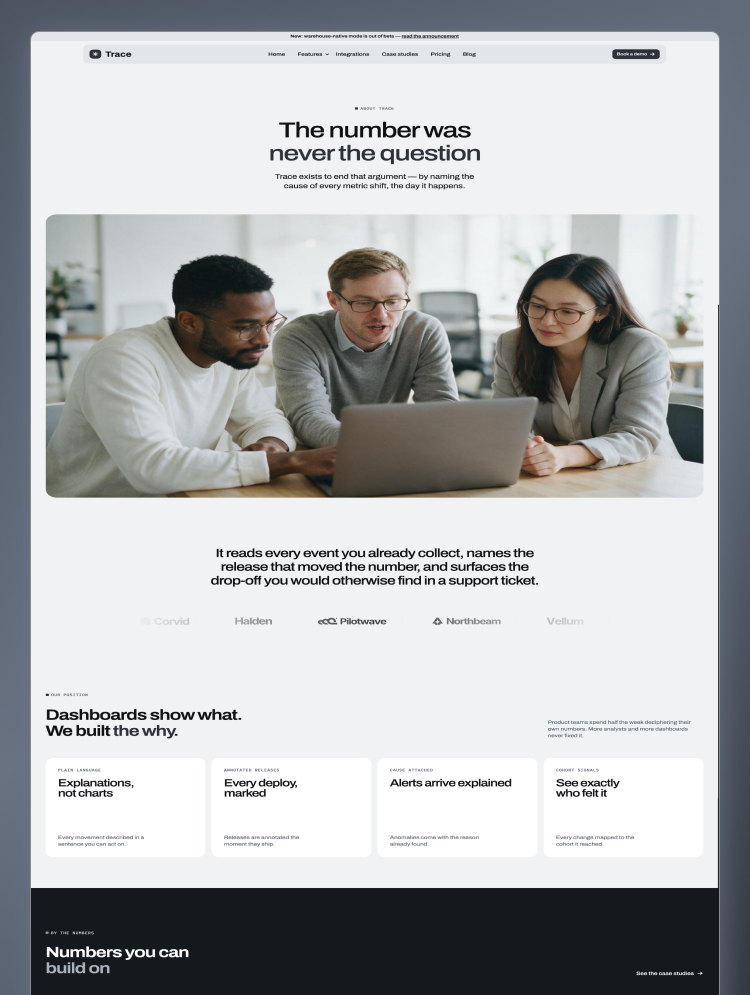
Dedicated template overview page
30+ professionally designed sections
15+ inner and utility pages
CMS-powered service pages
CMS-powered case study pages
CMS-powered blog pages
AI automation service showcase
Workflow problem and solution sections
Case study and project layouts
Industries served section
Working process section
Pricing tables
Testimonials
Frequently asked questions
Contact and strategy call forms
Conversion-focused call-to-action sections
Three customizable notification bars
Email signature design
Social media assets
Reusable Webflow components
Fully responsive layouts
Complete style guide
Figma source file available
Easy-to-customize Webflow structure
SEO-friendly page structure
No coding knowledge required
Automora includes two complete homepage variations, giving you more flexibility when creating your AI automation agency website.
Each homepage is designed to communicate your value, explain your automation solutions, showcase case studies, build trust, and encourage visitors to book a strategy call.
AI automation hero section
Strong consultation call-to-action
Trusted partner logos
Business introduction
Problems and solutions
AI automation services
Working process
Featured case studies
Industries served
Business automation capabilities
Why choose us
Client testimonials
Pricing plans
Blog and resources
Frequently asked questions
Final call-to-action
Professional footer
You can use either homepage as your main website or combine sections from both layouts to create a more customized experience.
Automora includes a professionally designed overview page that presents the full template structure in one place.
The overview page highlights:
Homepage previews
Inner page previews
Available sections
CMS layouts
Responsive design
Figma file information
Additional template assets
Utility pages
This page is useful for presenting the complete design system and helping users understand what is included with the template.
The Services CMS allows you to create and manage individual AI automation service pages without designing every page manually.
Each service page can include:
Service name
Featured image
Short service summary
Detailed service information
Business challenges
Automation solutions
Key benefits
Working process
Related services
Strategy call button
AI Workflow Automation
AI Chatbots
AI Voice Agents
Lead Generation Automation
CRM Automation
Customer Support Automation
Sales and Marketing Automation
Automated Client Onboarding
Data and Reporting Automation
Custom API Integration
No-Code Automation
AI Agent Development
Industry-Specific Automation
Business Process Automation
New service pages can be added directly through Webflow CMS while maintaining a consistent design.
The Case Studies CMS helps AI agencies demonstrate measurable results and explain how automation improved a client’s business.
Each case study can include:
Project title
Client or industry name
Featured image
Project overview
Business challenge
Automation solution
Tools or integrations used
Services delivered
Results and performance
Supporting visuals
Related case studies
Consultation call-to-action
The case study layouts are suitable for showing results across industries such as:
SaaS and technology
E-commerce
Healthcare
Finance and insurance
Professional services
Marketing agencies
Real estate
Customer support
Education
Online businesses
Showing real automation results can help potential clients understand your expertise and feel more confident about booking a consultation.
Automora includes a CMS-powered blog for publishing AI automation insights, educational resources, business guides, and company updates.
You can publish content about:
AI automation strategies
Workflow automation
AI agents
Chatbot development
Voice automation
No-code automation tools
CRM integrations
Lead generation systems
Business productivity
Customer support automation
Sales automation
AI implementation guides
Industry automation trends
Business case studies
The blog can support content marketing, demonstrate industry expertise, and help your website target relevant AI automation search terms.
Automora is designed to help turn website visitors into qualified leads.
The template includes strategic conversion elements such as:
Book a strategy call buttons
Service detail links
Case study results
Problem and solution comparisons
Clear business benefits
Working process explanations
Industry-specific sections
Pricing plans
Client testimonials
Frequently asked questions
Contact forms
Repeated call-to-action sections
These sections help visitors understand what you offer, how your process works, and why they should contact your business.
The industry layouts allow AI automation agencies to present tailored solutions for different business sectors.
You can customize this section for:
SaaS and technology
Healthcare
Finance and insurance
E-commerce
Real estate
Professional services
Marketing agencies
Logistics
Education
Local businesses
Enterprise companies
This makes Automora suitable for both general automation agencies and businesses serving a specific industry.
Template Overview
Home Version 1
Home Version 2
About Us
Services
Service Details CMS
Case Studies
Case Study Details CMS
Pricing
Blog
Blog Details CMS
Contact
Style Guide
Changelog
License
404 Page
Automora includes additional assets that help maintain consistent branding across different customer touchpoints.
Three notification bar variations
Professional email signature
Social media assets
Reusable Webflow components
Complete typography system
Colour and button styles
Form elements
Style guide
These assets can be customized with your own logo, colours, messages, contact details, and brand information.
The Figma design file is available after purchasing the Automora template.
The Figma file gives designers and agencies more control over the original layouts before making changes inside Webflow.
It can be used to:
Review the complete design system
Customize layouts
Plan new pages
Edit visual components
Collaborate with clients or team members
Prepare additional sections
Maintain consistent branding
To request the Figma source file after purchase, contact us by email with your purchase information.
Automora is optimized for a consistent experience across:
Desktop computers
Laptops
Tablets
Mobile devices
The responsive structure allows you to customize layouts for different screen sizes directly inside Webflow.
Automora is built with a clean and organized Webflow structure, making it easy to update the website without advanced coding.
You can customize:
Logo
Brand colours
Typography
Images
Homepage layouts
Services
Case studies
Blog posts
Pricing plans
Testimonials
Forms
Navigation
Buttons
Notification bars
Contact information
Social media links
CMS content
Reusable components
Automora provides a strong foundation for creating an SEO-friendly AI automation agency website.
You can optimize:
Page titles
Meta descriptions
Heading structure
Image alt text
CMS URLs
Service page metadata
Case study metadata
Blog post metadata
Open Graph settings
Internal links
Keyword-focused website content
The Services, Case Studies, and Blog CMS collections make it easier to create targeted pages for different services, industries, and search queries.
Automora can be optimized around keywords such as:
AI automation Webflow template
AI agency Webflow template
Workflow automation website template
Business automation Webflow template
AI chatbot agency template
AI consulting website template
No-code automation agency website
AI workflow agency website
SaaS Webflow template
Technology agency Webflow template
AI agent development website
Digital transformation agency template
Automation consultant website template
Artificial intelligence Webflow template
AI startup website template
These keywords should be used naturally across page titles, descriptions, headings, CMS pages, image alt text, and website content.
Automora is ideal for:
AI automation agencies
AI consulting companies
Workflow automation experts
No-code automation agencies
AI chatbot providers
AI voice agent companies
SaaS businesses
Technology startups
CRM automation experts
Digital transformation firms
Business process consultants
AI agent developers
Lead generation agencies
Software companies
Creative technology studios
Modern digital agencies
Along with template support and customization, we provide complete Webflow design and development services.
Our services include:
Complete Webflow website development
Custom Webflow website design
Webflow template customization
Figma to Webflow development
Webflow CMS development
Landing page development
Multi-page website development
Responsive Webflow development
Advanced Webflow interactions
Website redesign
CMS collection setup
Blog and case study setup
Form configuration
Third-party integrations
Basic on-page SEO setup
Website performance optimization
Domain connection
Website migration
Pre-launch testing
Ongoing Webflow support
Whether you need minor template changes or a completely custom Webflow website, we can help you move from design and development to final launch.
We can customize Automora based on your business, services, and branding.
Customization support can include:
Replacing all demo content
Updating your logo and branding
Customizing colours and typography
Adding or removing sections
Combining homepage layouts
Creating new pages
Configuring CMS collections
Uploading services
Adding case studies
Publishing blog content
Updating pricing plans
Configuring forms
Connecting integrations
Optimizing mobile layouts
Setting up basic SEO
Connecting your custom domain
Preparing the website for launch
For Automora template support, Figma file requests, customization, or complete Webflow development services, please contact:
Email: contact.lioweb@gmail.com
Can only be used by you or one client for one end product. You cannot resell or redistribute this template in its original or modified state.
This template is free to use in both person and commercial projects. You cannot resell, redistribute, or license this template in its original or modified state.
Questions about this template? Just reach out to the template designer and they will get back to you within 2 business days.
For advanced design guidance, please share your questions in the Webflow Forum or reach out to a Webflow Partner.
Share your feedback by leaving a comment below.
For template support, please check the Support tab.

Use the Preview in Designer option to make any edits to the template pages and preview how the layout would fit your content. Changes in preview mode won't be saved.
It isn't possible to apply a template to an already existing project. Instead, you'll need to create a new project based on the Template.
With a Core plan (or higher), you can export sites you build in Webflow, including templates, to host them anywhere you'd like.
Webflow templates are only available for purchase through Workspaces and legacy individual accounts.
CMS templates are designed to use the power of the Webflow CMS. It is possible to downgrade to a Basic Site Plan as long as all CMS content is deleted from the project.
Use the View Connections tool to understand where the CMS content is on the site and delete any dynamic listings and CMS content. We also recommend you to check Components and the Collection page Templates.
Ecommerce templates are designed to use the power of Webflow Ecommerce. It is not possible to remove Ecommerce from a template, however, deleting all Ecommerce Products and Categories from the project, will allow to select a lower Site Plan.
Membership templates are designed to use the power of Webflow Membership. It is not possible to remove Memberships from a template.
.svg)


Display 3D graphics elegantly on every device.
Reposition and resize items anywhere within the grid to produce powerful, responsive layouts — faster and without code.
Reusable elements you can use across your site. Edit a component and all copies update instantly.
Customize the built-in database for your project or just add new content.
Custom design for the 404 page of your website
Build your lead lists and subscriber base with beautiful forms.
Comes with GSAP animations and interactions for additional polish and usability.
Comes with animations and interactions for additional polish and usability.
Displays perfectly on desktops, tablets, and phones.
Site navigation automatically collapses into a mobile-friendly menu on smaller devices.
All graphics are optimized for devices with high DPI screens.
Uses fonts from Google's Web Font collection.