Trusted by teams at






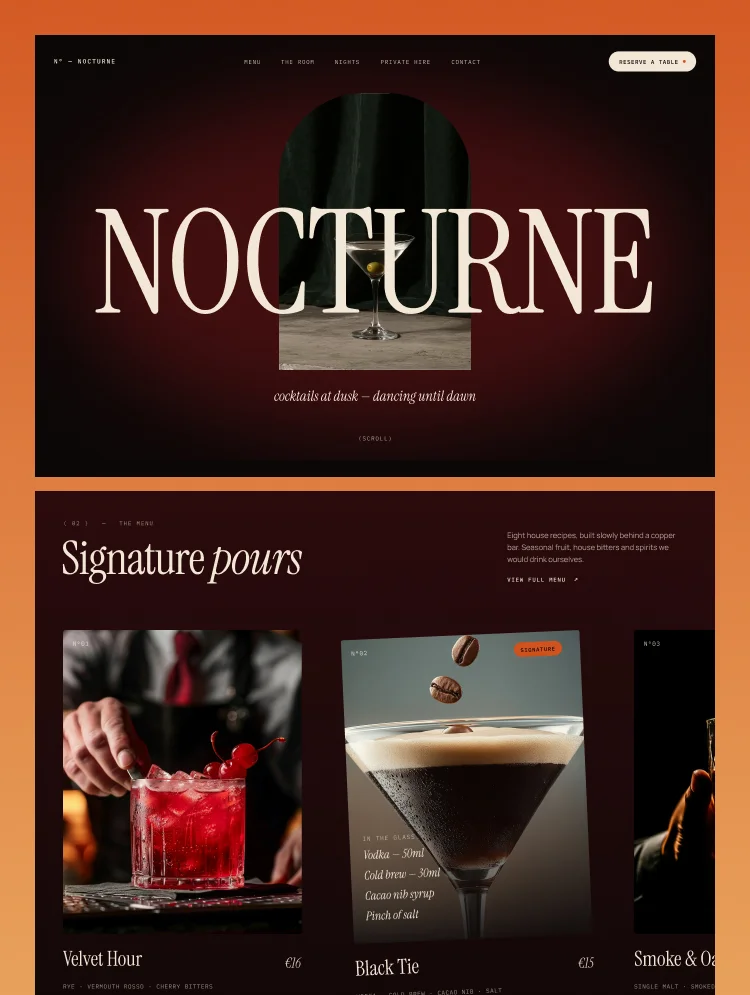
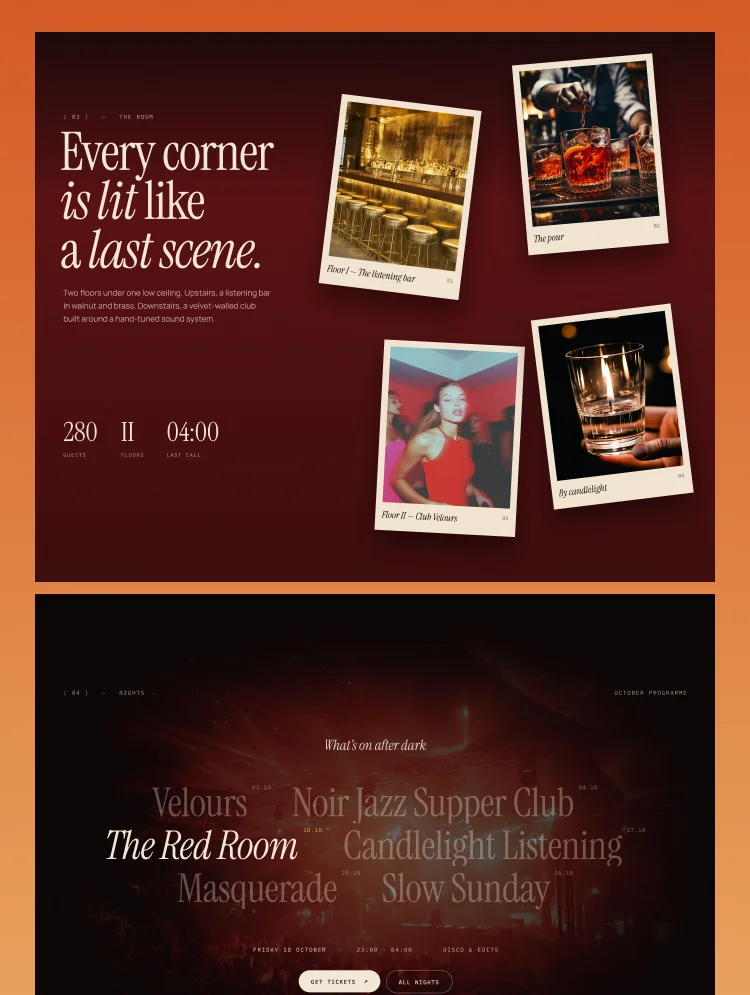
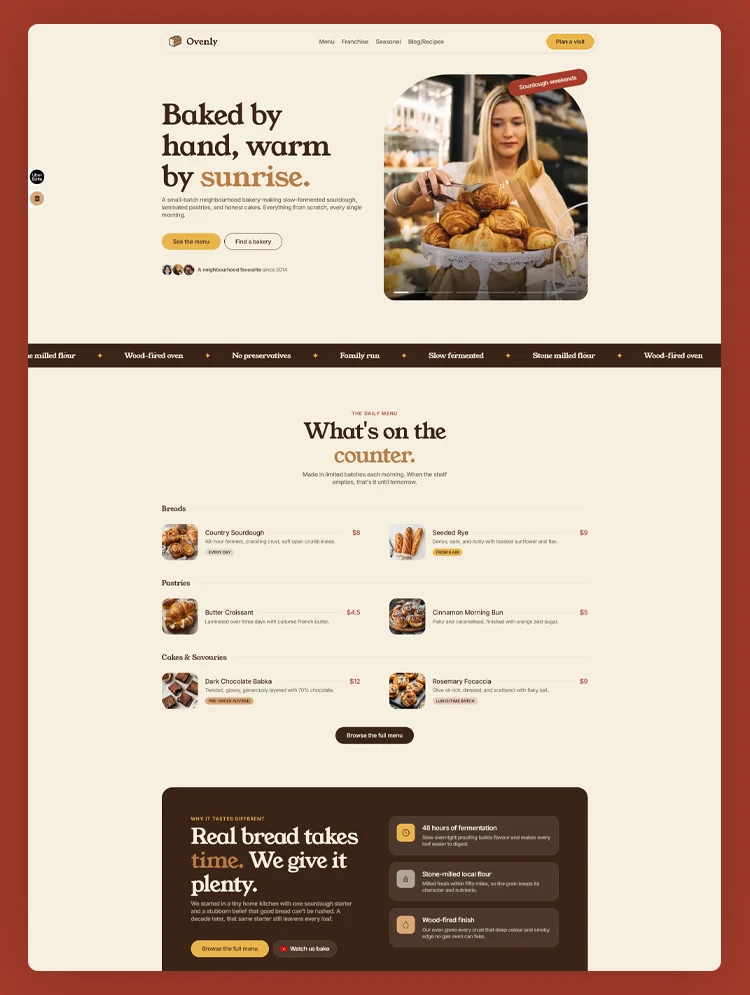
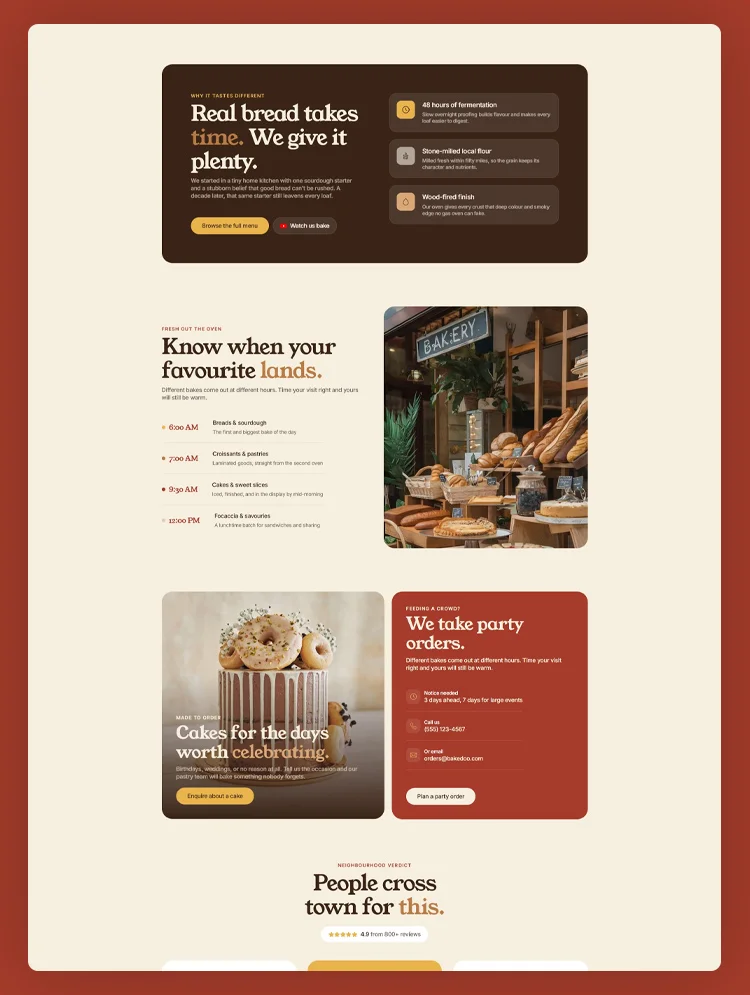
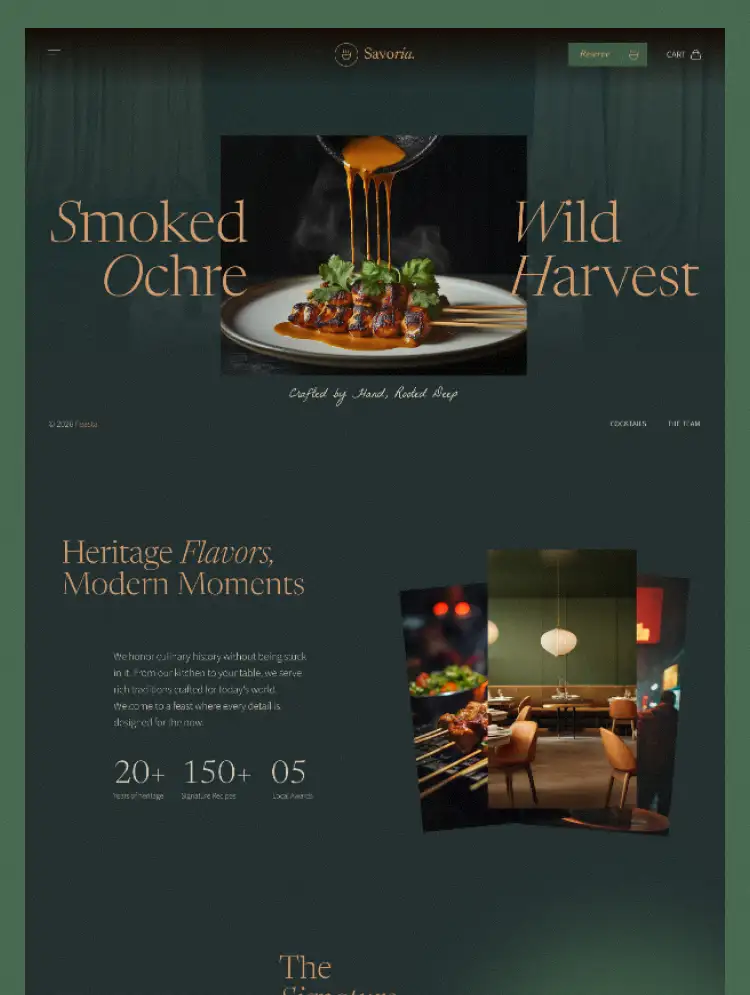
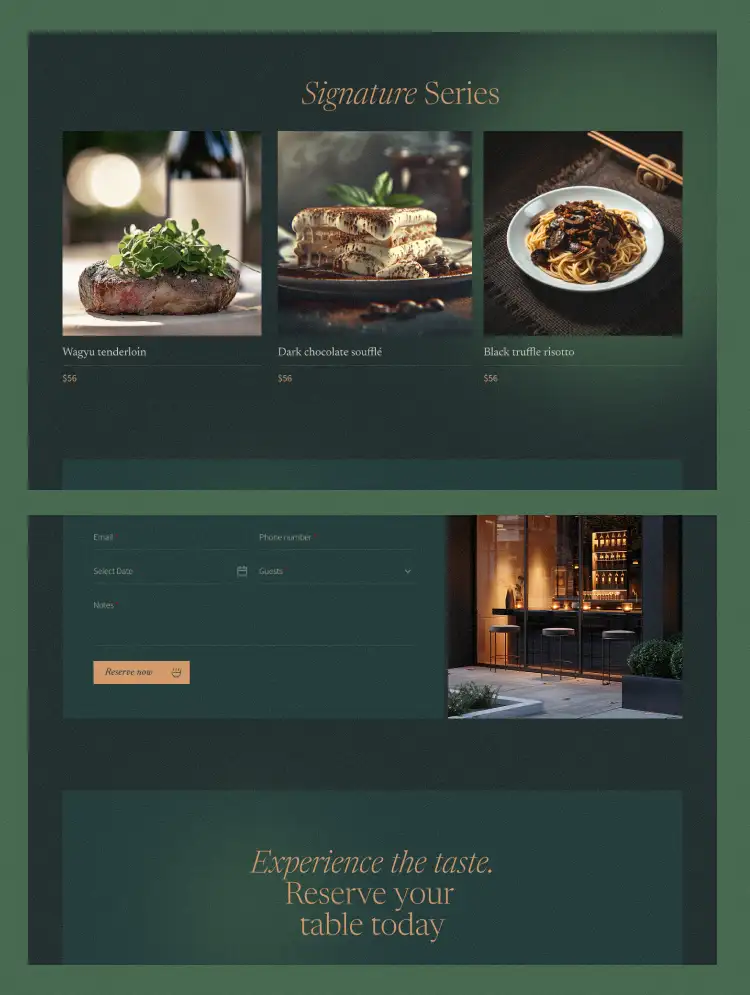
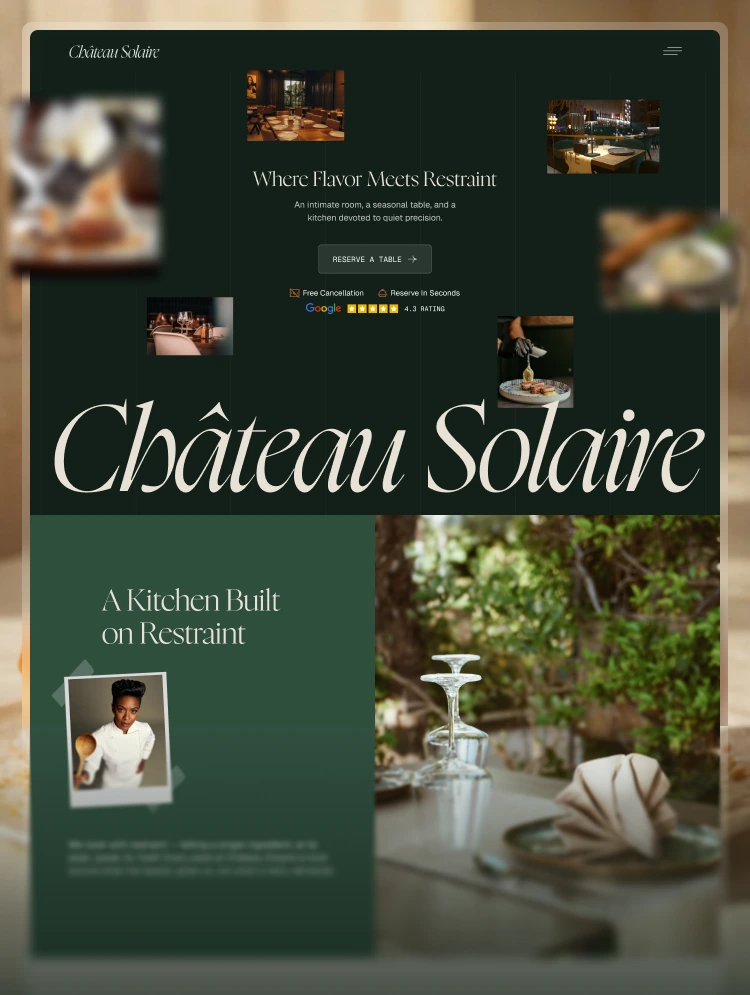
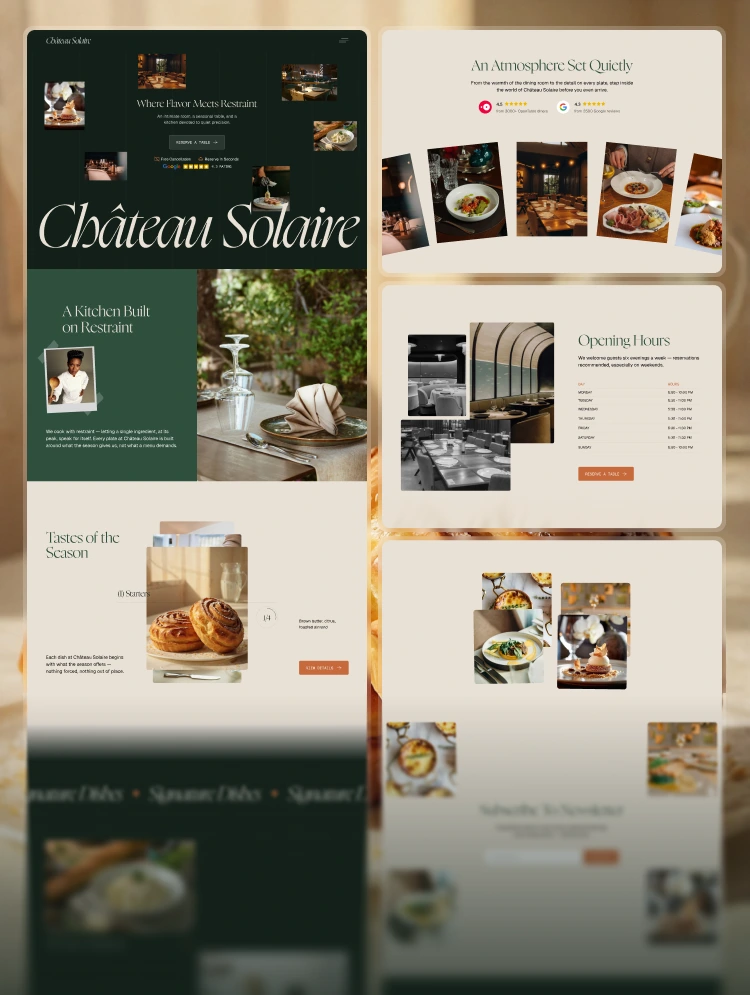
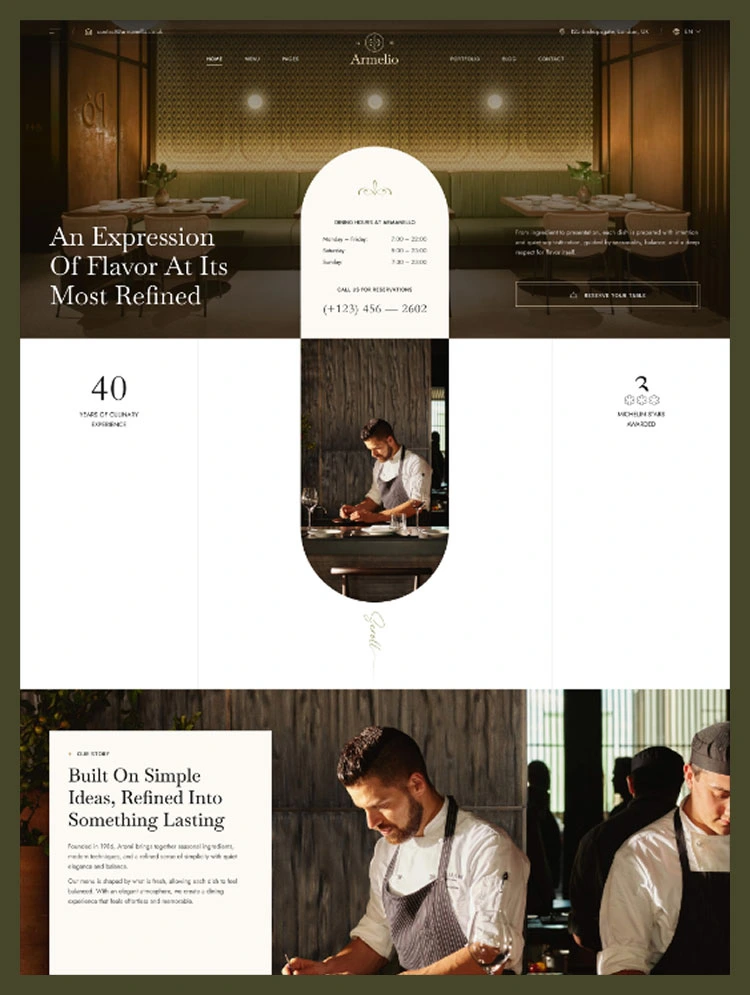
Armelio is a contemporary restaurant Webflow template for fine dining, cafés, bistros, and culinary brands. Featuring elegant layouts and seamless functionality, it helps showcase menus, signature dishes, and unforgettable dining experiences.
It’s time to elevate your restaurant’s online presence with Armelio, a contemporary Webflow template designed for fine dining restaurants, cafés, bistros, wine bars, and culinary brands. Featuring elegant layouts, refined typography, immersive interactions, and thoughtfully crafted components, Armelio helps you showcase your menu, signature dishes, chef story, and dining experience with confidence. Create a memorable digital presence and inspire more reservations with Armelio today.
Built for performance, Armelio is fully responsive, ensuring a seamless browsing experience across desktops, tablets, and mobile devices. It is optimized for speed and SEO, helping your restaurant reach more guests through search engines. With Webflow CMS integration, updating your menu, publishing blog articles, sharing seasonal specials, and managing events is simple and efficient.
It features a clean, sophisticated design along with all the essential pages and features needed for a successful restaurant website. Included are beautifully designed menu layouts, reservation pages, chef profiles, gallery sections, contact forms, blog pages, smooth interactions, responsive sliders, and much more. Armelio is also easy to customize, allowing you to tailor colors, typography, layouts, and content without writing a single line of code.
With Armelio, your restaurant will leave a lasting first impression and provide visitors with an engaging online experience that reflects the quality of your cuisine and hospitality. Whether you’re launching a new restaurant, promoting a café, or refreshing an established dining brand, Armelio gives you everything you need to build a professional and elegant website with ease.
You will receive the complete Figma source file with your purchase. Simply email us at info@casethemes.net with your Webflow order receipt and we will deliver the file within 24–48 hours.
If you have any questions or need help, feel free to reach out to us by creating a support ticket. Our team will review your request and get back to you as soon as possible. Submit your request: Click Here
Can only be used by you or one client for one end product. You cannot resell or redistribute this template in its original or modified state.
This template is free to use in both person and commercial projects. You cannot resell, redistribute, or license this template in its original or modified state.
Questions about this template? Just reach out to the template designer and they will get back to you within 2 business days.
For advanced design guidance, please share your questions in the Webflow Forum or reach out to a Webflow Partner.
Share your feedback by leaving a comment below.
For template support, please check the Support tab.

Use the Preview in Designer option to make any edits to the template pages and preview how the layout would fit your content. Changes in preview mode won't be saved.
It isn't possible to apply a template to an already existing project. Instead, you'll need to create a new project based on the Template.
With a Core plan (or higher), you can export sites you build in Webflow, including templates, to host them anywhere you'd like.
Webflow templates are only available for purchase through Workspaces and legacy individual accounts.
CMS templates are designed to use the power of the Webflow CMS. It is possible to downgrade to a Basic Site Plan as long as all CMS content is deleted from the project.
Use the View Connections tool to understand where the CMS content is on the site and delete any dynamic listings and CMS content. We also recommend you to check Components and the Collection page Templates.
Ecommerce templates are designed to use the power of Webflow Ecommerce. It is not possible to remove Ecommerce from a template, however, deleting all Ecommerce Products and Categories from the project, will allow to select a lower Site Plan.
Membership templates are designed to use the power of Webflow Membership. It is not possible to remove Memberships from a template.